MBT1015 rev-C
User’s Manual Version 18.08
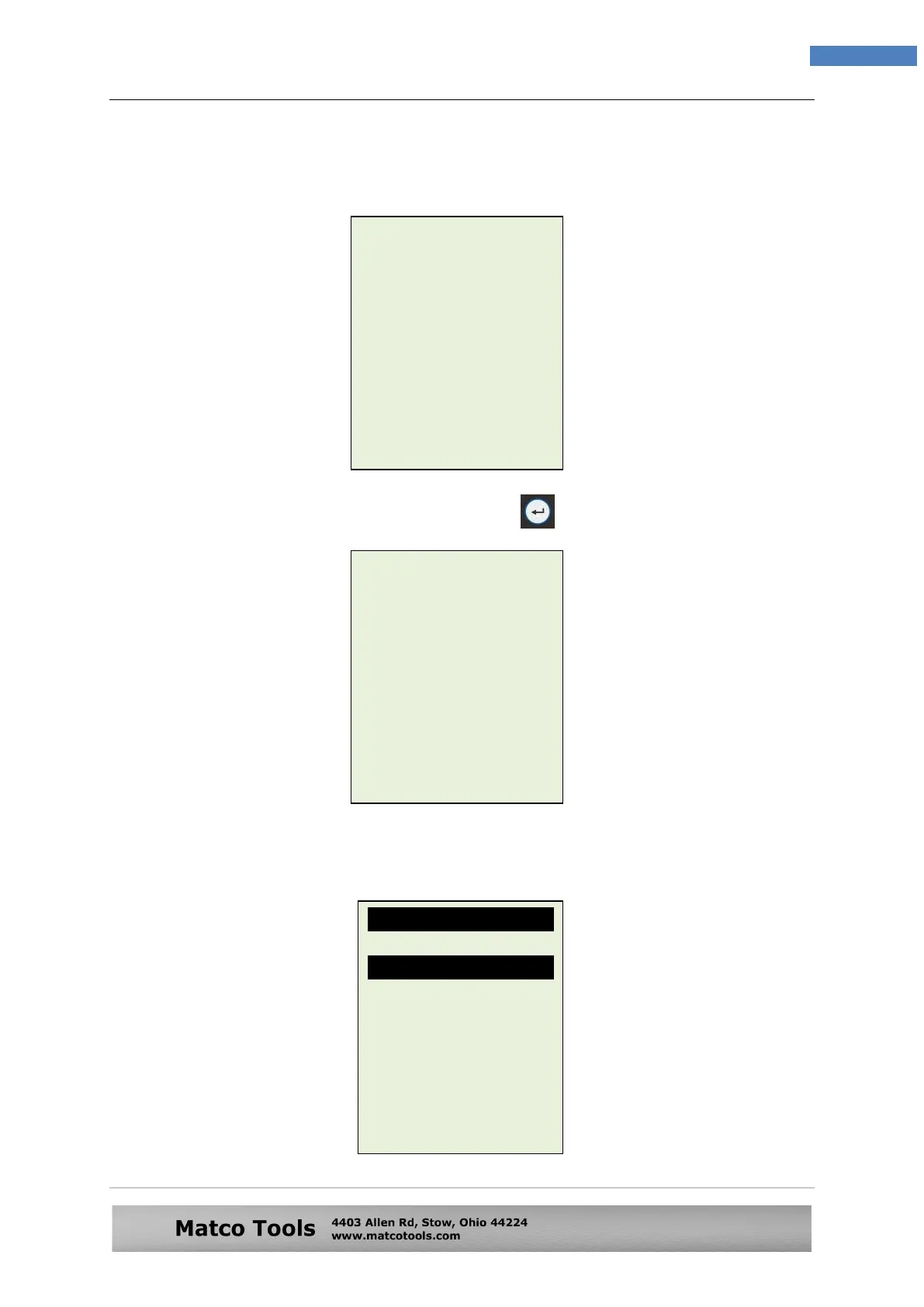
8. If the surface charge is too great for the analyser to handle, it will prompt you
with the instructions as shown: (Fig. 25) below and the beeper will sound
continuously.
9. Wait until the surface charge removal had completed, the analyser will
advise as follows: (Fig.26) and then press key
10. If there is no surface charge present, then it will straight away enter into “Select
Rating” menu screen as shown in Fig. 27
Fig. 26
Fig. 27
Fig. 25
Battery surface
charge is present!
Turn the ignition key
to ON position.
Switch ON the
headlights to remove
surface charge.
Battery surface
charge has been
removed.
Turn ignition key to
OFF position.
Switch OFF the
headlights and then
press [Enter].
Select Rating
CCA
SAE
DIN
JIS
IEC
EN
CA
Unknown


 To Next Page