31
Error message 2 troubleshooting
[Symptom]
Press “Start” key then the console display show ”Error 2”
[Cause]
Panel control board cause by static destroy, make the panel control board inside
parts MCU damage.
[Solution]
1.Turn on power again, if console still show “Error 2”,replace PCB.
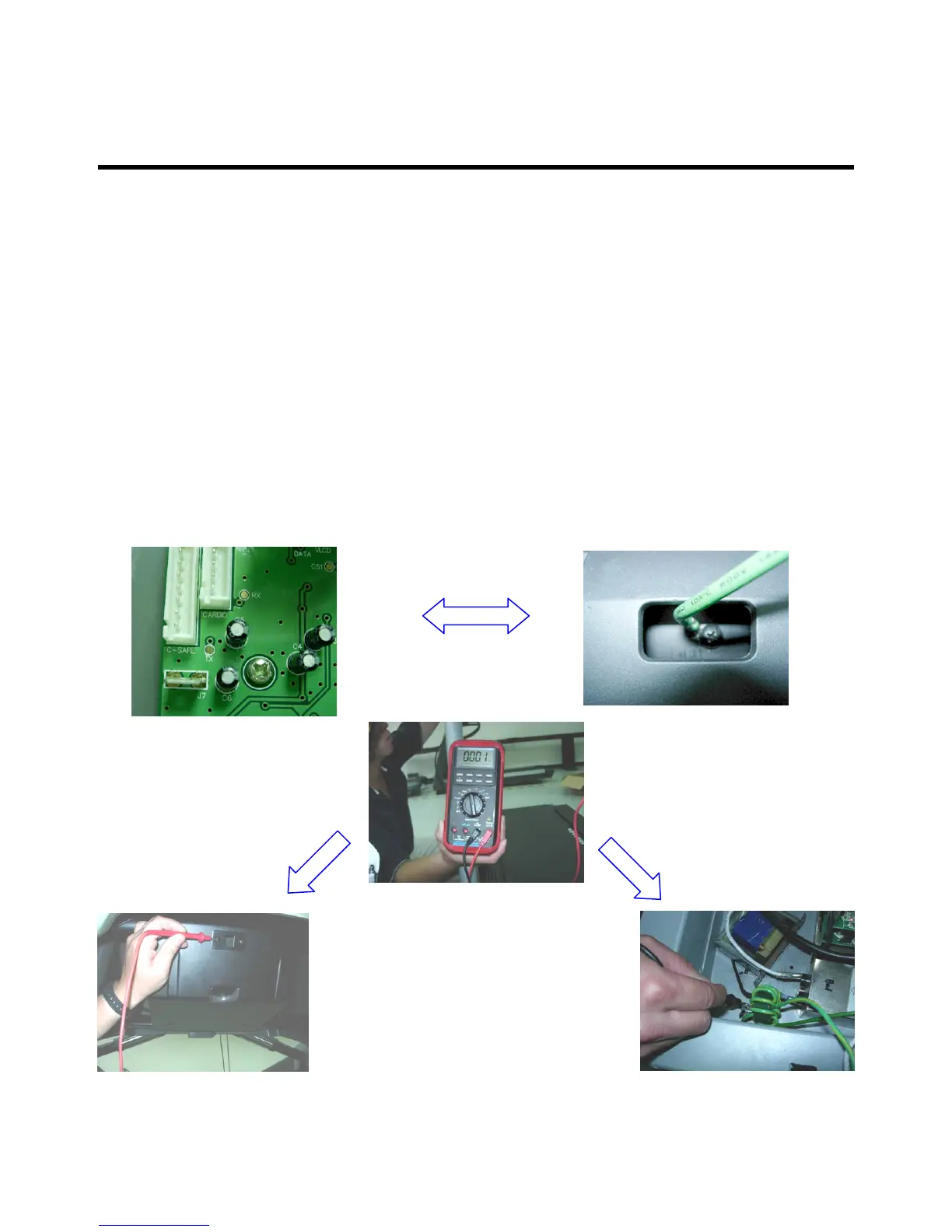
2. Please check the console ground wire whether connect to PCB.
(Please refer the below photo and check the machine ground between the
console and incline power board whether connect.)
Check the machine
ground whether have
connect.
Console back screw Incline power
board ground



 To Next Page