33
Error message 4 troubleshooting
[Symptom]
Running the “Auto check “ can’t finish.
[Cause]
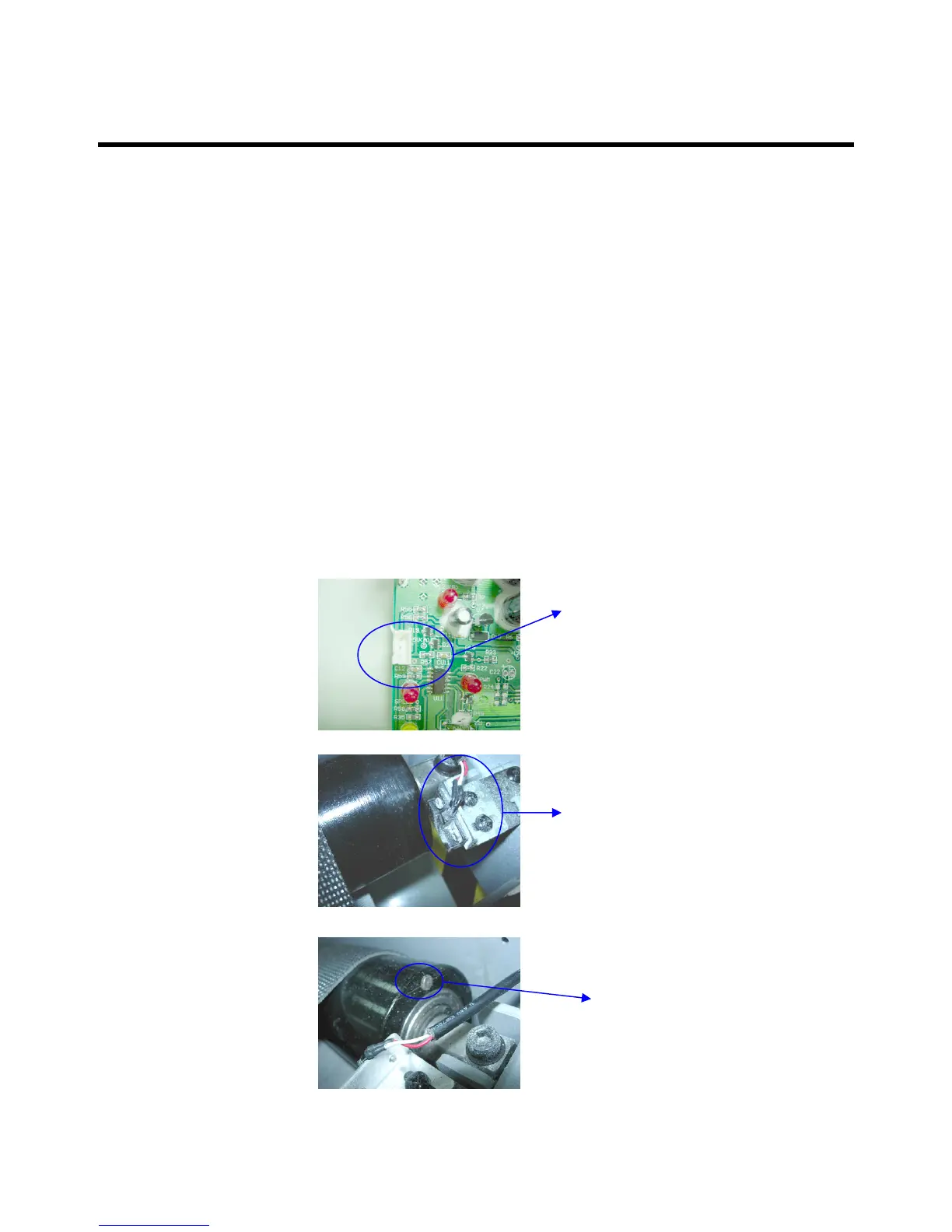
1. Check the connector condition of the speed
sensor cable.
2. Replace the speed sensor.
3. Check the magnet on the front roller if it’s
too far away from the speed sensor
[Solution]
Magnet
Speed sensor
Check the
connector
MCB and
Speed sensor
cable
1.
2.
3.



 To Next Page