Matrox Maevex Series – User Guide 29
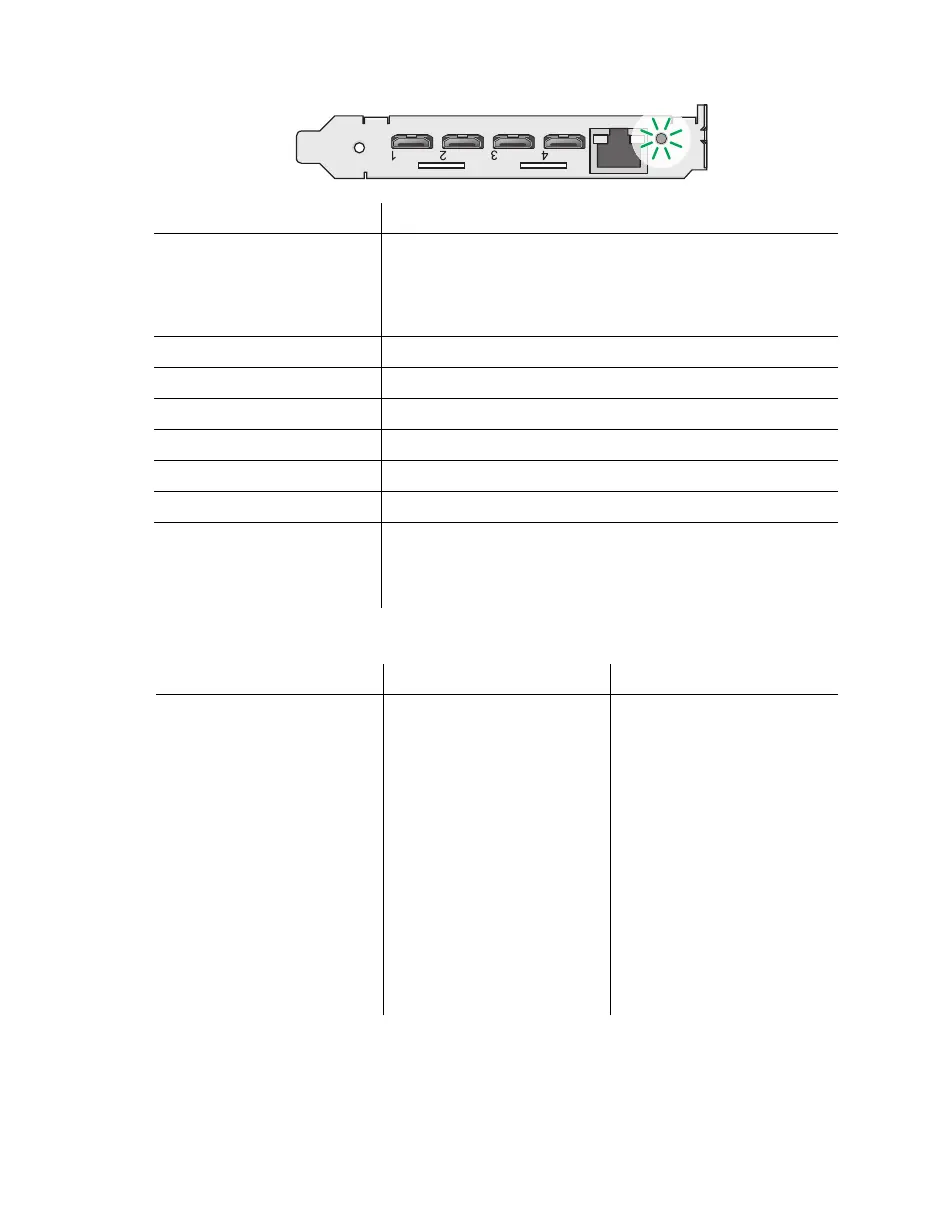
Maevex 6100 encoder
Maevex 5150 encoder and 5150 decoder
LED color 6100 encoder
No LED (black) Device isn’t powered. Make sure your card is properly
installed. Also, make sure your system isn’t in power saving
mode (see “Step-by-step installation”, page 18).
For more information, contact your vendor (see “Customer
support”, page 53).
Green (solid) Card is active.
Green (slow blink) Card is rebooting.
Green (fast blink) Configuration reset in process.
Amber (solid) Card is in maintenance mode.
Amber (slow blink) Card is rebooting and is in maintenance mode.
Amber (fast blink) Card is updating the firmware.
Red (solid) Card has detected a fatal error. Try restarting your system. If,
after restarting your system, the LED is still red, contact your
vendor for technical support (see “Customer support”, page
53).
LED color 5150 encoder 5150 decoder
No LED (black) Device isn’t powered. Device isn’t powered.
Green/Red (flashing) Device is initializing. Device is initializing.
Green Device is ready. Device is ready.
Green (flashing) Encoding and streaming. Decoding network stream.
Red (flashing) No valid audio/video input
signal detected.
Device isn’t in use.
Red Fatal error detected. Fatal error detected.
Amber Configuration reset was
performed. Device requires
maintenance.
Configuration reset was
performed. Device requires
maintenance.
Amber (flashing) Configuring or updating
firmware.
Configuring or updating
firmware.



 To Next Page