32 Matrox Maevex Series – User Guide
Hardware reboot or configuration reset
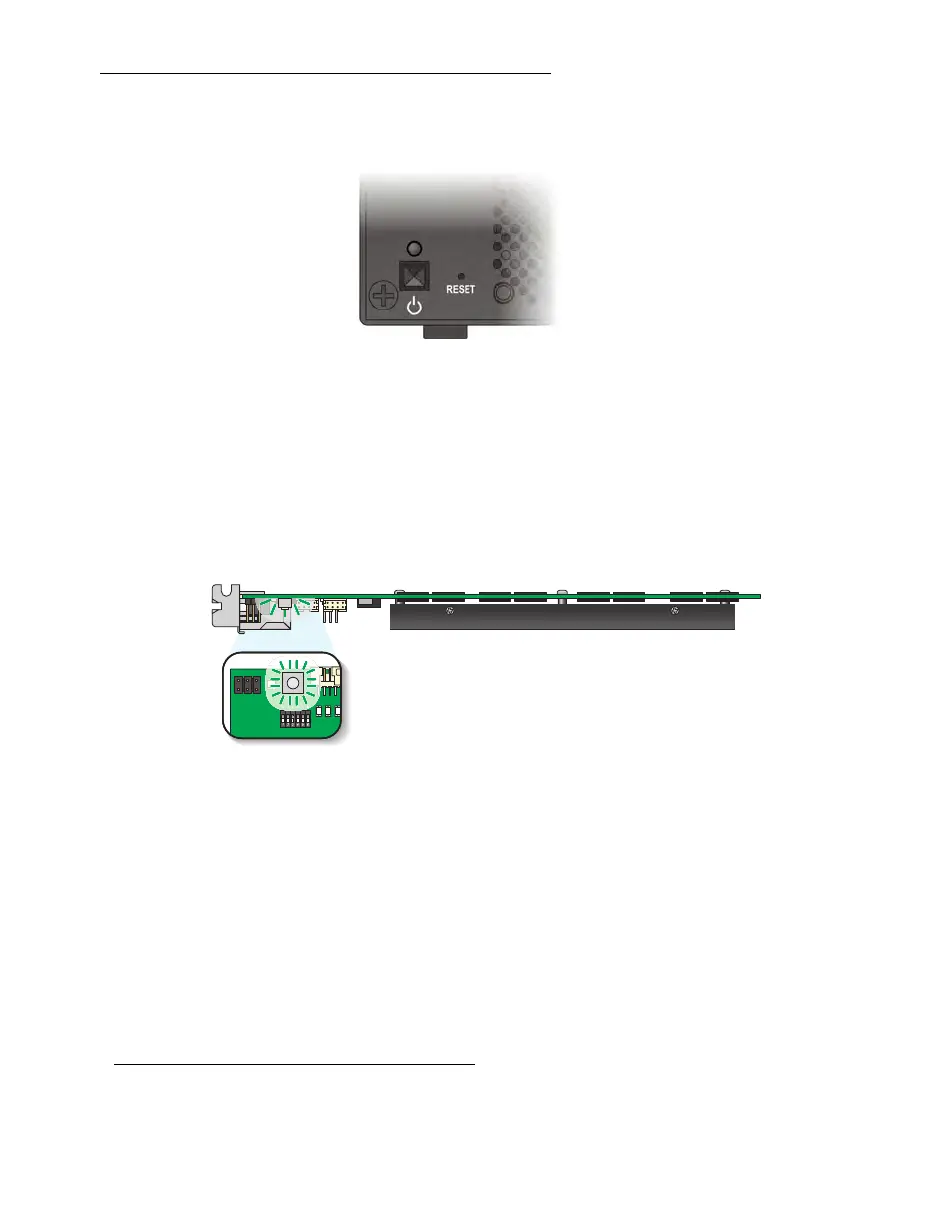
Maevex 6150 encoder
Hardware reboot
– Press and hold the
Reset
button on your device with the tip of a
paper clip for
less than 2 seconds
(until the LED turns slow blinking green) to reboot your
device.
Configuration reset
– Press and hold the
Reset
button on your device with the tip of a
paper clip for
5 seconds
(until the LED turns fast blinking green) to reboot your device
and restore the default settings.
Maevex 6100 encoder
Hardware reboot
– Quickly press the button to reboot your device.
Configuration reset
– Press and hold the button for
4-5 seconds
(until the LED turns fast
blinking green
*
) to reboot your device and restore the default settings.
*
Maevex 6100 encoder only
–
If, after performing a configuration reset, the LED turns amber, reboot your encoder by quickly
pressing the button on your device.



 To Next Page