Restoring the Matrox Imaging operating system to factory defaults 81
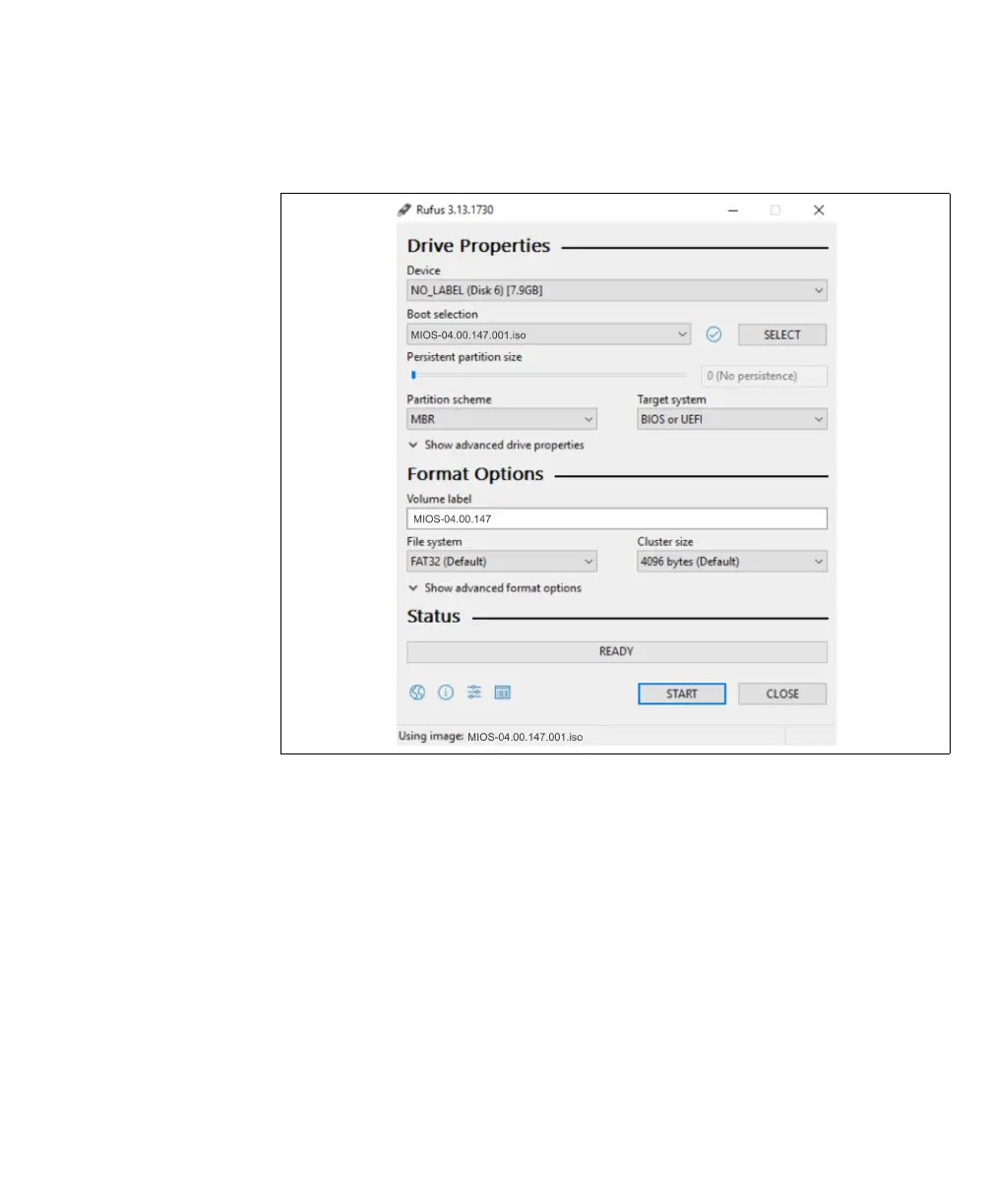
4. Click on Select to navigate to the location of the MIOS file to burn to the USB
key, and select the USB key to use from the Device drop-down menu.
5. Set Partition scheme to MBR, and set Tar get sy st em to BIOS or UEFI.
6. Specify a FAT32 partition, leave Cluster size to the default, and leave Volume
label as is.
7. Click on the Start button to begin burning to the USB.
8. A pop-up will appear asking you to download a new version of Syslinux. Click on
Yes.



 To Next Page