82 Appendix C: Matrox Imaging operating system utilities and recovery
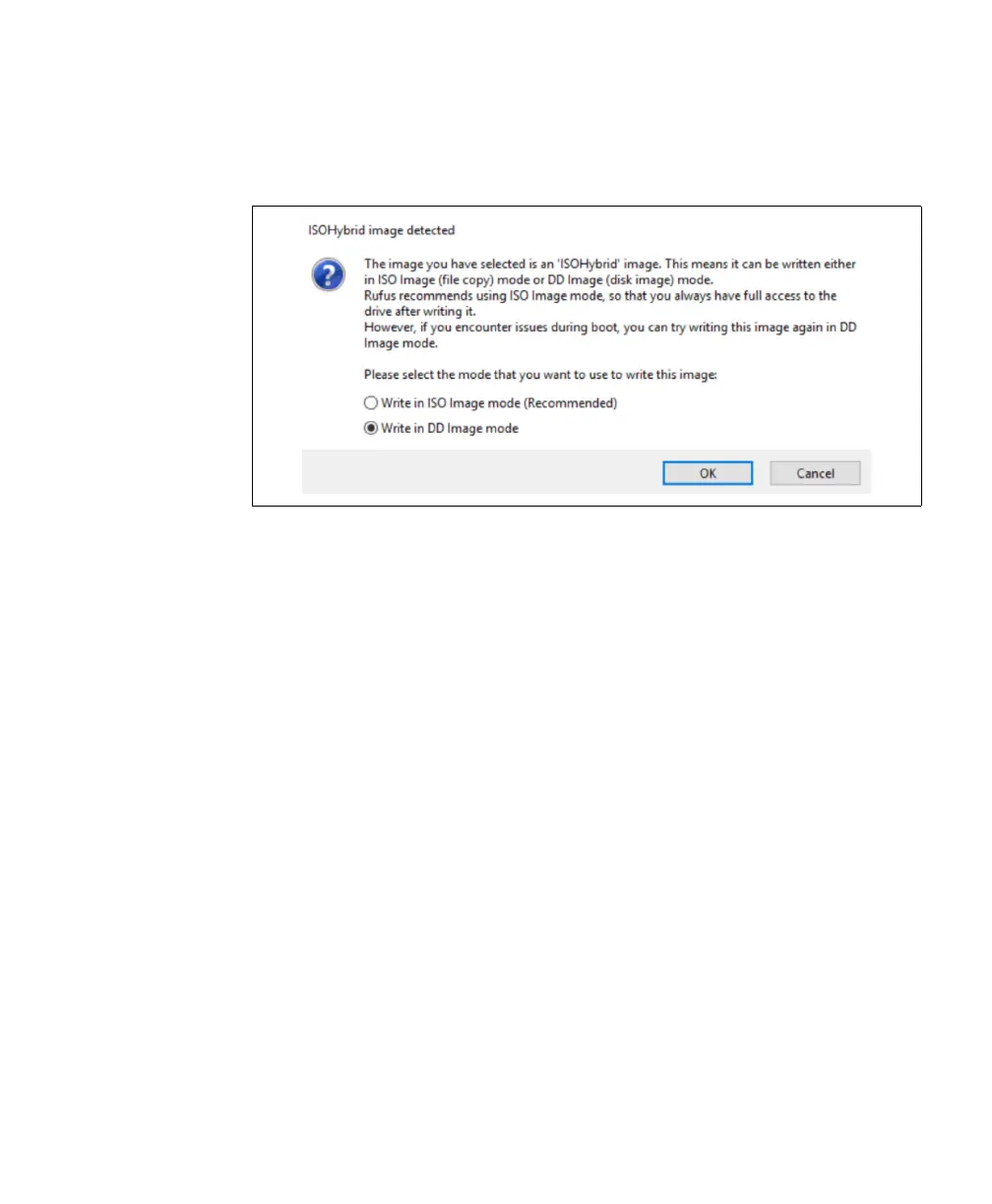
9. Another pop-up will appear asking you in which mode to write your ISO image.
Select Write in DD Image mode.
10. Once this process is complete, double-click on the Safely Remove icon in your
Windows System Tray, before removing the drive.



 To Next Page