Making a backup MIOS and deploying it on multiple units 87
3. When the process completes, you will get a message that the backup completed
successfully. Click on OK, and manually reboot your unit.
4. You can now store this backup MIOS ISO on a USB key or somewhere on your
network.
Deploying a backup MIOS to the same unit on which it was created
Once you have made a backup MIOS ISO, you can now deploy this backup if
you need to restore the unit. To deploy the backup MIOS ISO, perform the
following:
1. Reboot your Matrox Iris GTX.
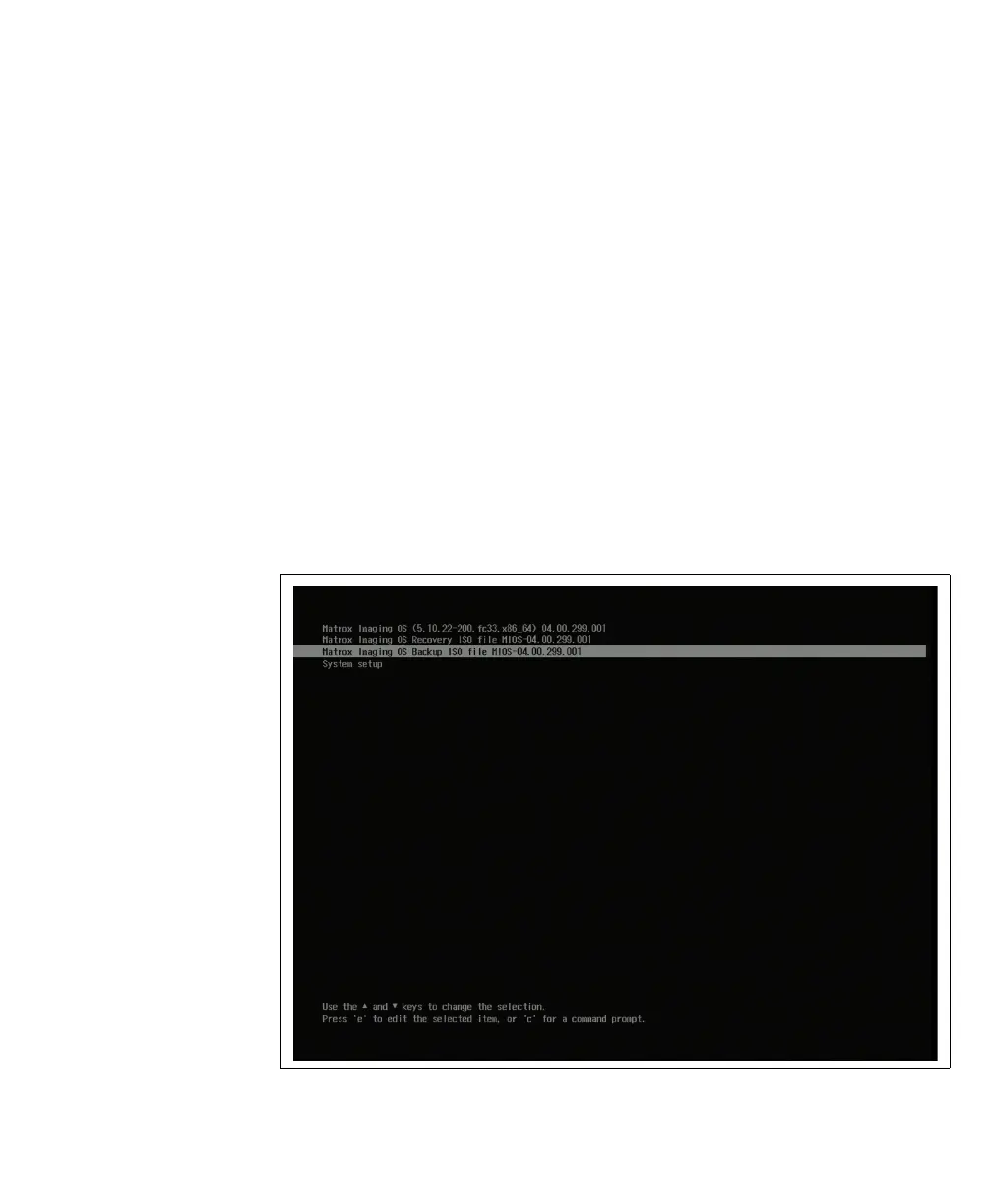
2. Near the end of the BIOS boot process, after the BIOS logo appears, a
monochrome screen presents you with three options, instead of two: load the
current MIOS, load the recovery ISO, or load the backup ISO. Use your keyboard
to select the latter.



 To Next Page