88 Appendix C: Matrox Imaging operating system utilities and recovery
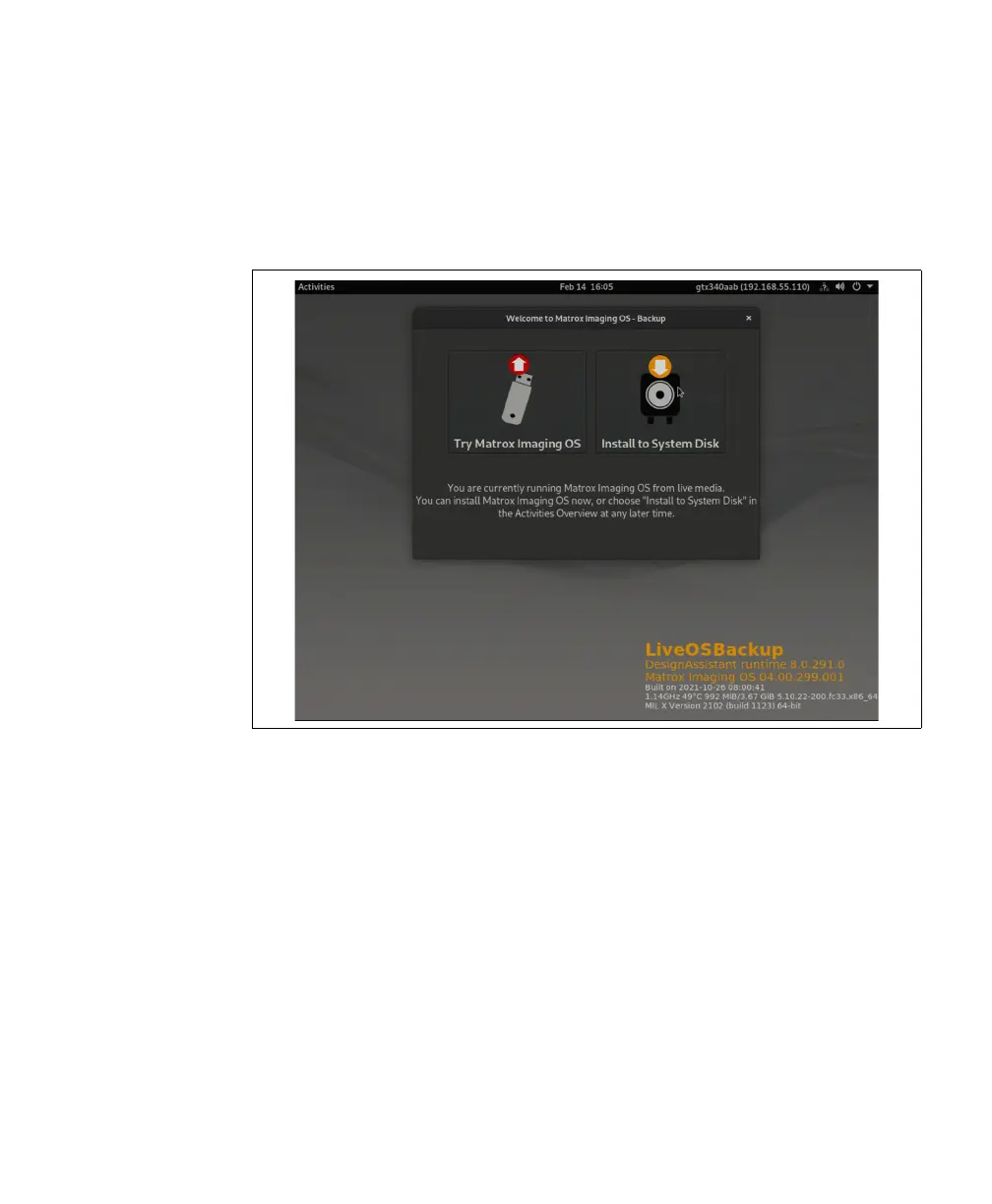
3. After selecting to load the backup ISO, your unit will restart. Do not change the
selection on the monochrome screen; eventually, the unit will present the login
screen, ask for the default password, and then present the Matrox Imaging OS -
Backup page. To complete the deployment of the backup on the system disk, select
the Install to system disk option.
Deploying a backup MIOS to a different unit
With a backup MIOS ISO saved either on a USB key or somewhere on your
network, you can deploy the backup MIOS ISO to multiple units that require the
same settings as the backup MIOS ISO. To deploy the backup MIOS ISO to
multiple units, perform the following:
1. Locate the backup MIOS ISO and copy it to a known location on the Matrox
Iris GTX unit that you will be restoring.
2. Open the Linux command terminal and use setrescue.sh backup to install the
backup MIOS ISO onto the recovery partition.
3. Reboot the Matrox Iris GTX unit.



 To Next Page