Operation
-8- Maverick MK2 Spot User Manual Rev. 4
4. OPERATION
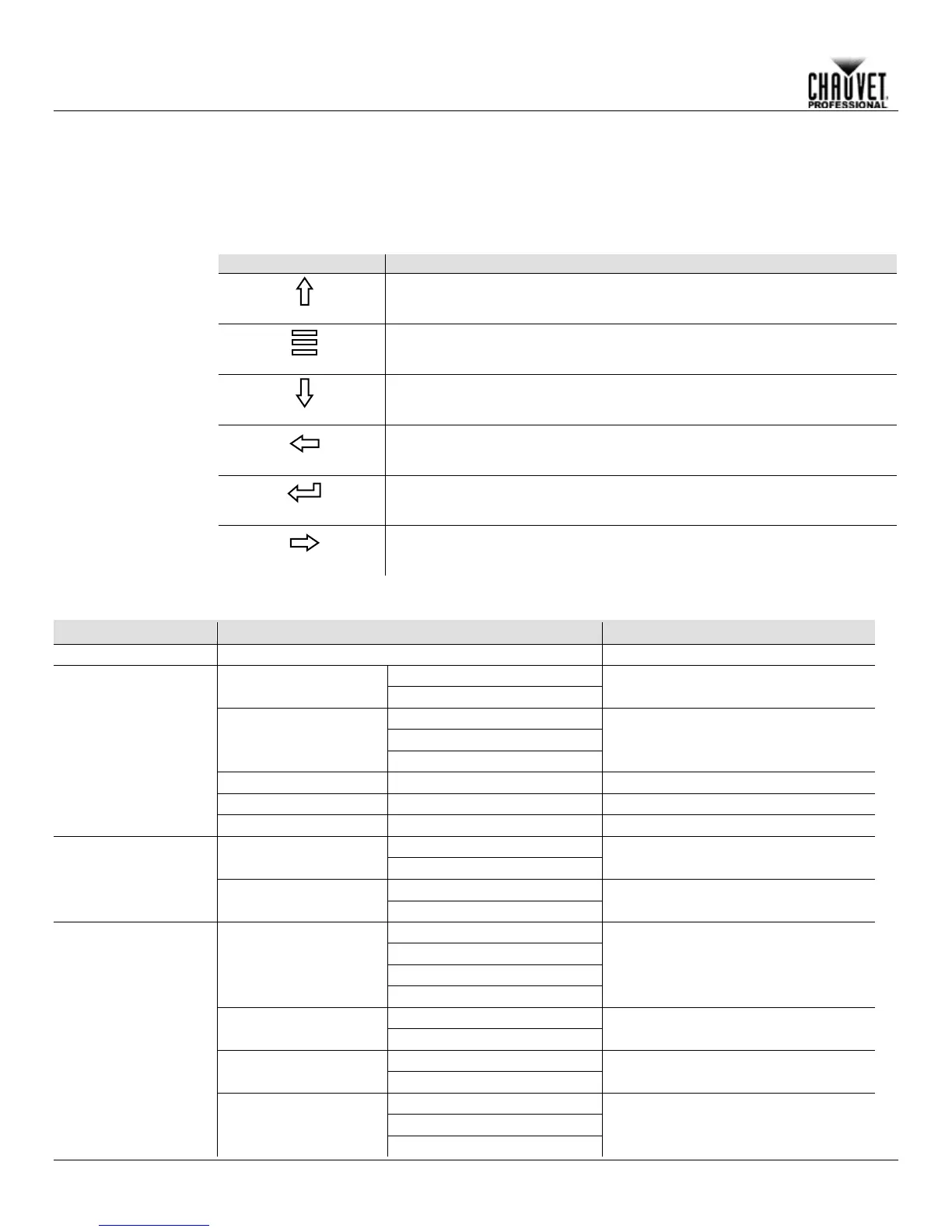
The Maverick MK2 Spot has a touchscreen display as well as 6 control buttons. Navigate the menu structure by
pressing the buttons, touching the images of the buttons on the sides of the display, or touching the desired
menu option on the display directly. The touchscreen can be locked and calibrated through the Setup options in
the menu (see Touchscreen Calibration and Touchscreen Lock).
and
Control
Panel
Description
Navigates upwards through the menu list or increases the numeric value
when in a function
Exits from the current menu or function
Navigates downwards through the menu list or decreases the numeric
value when in a function
Navigates leftwards through the menu list
Enables the currently displayed menu or sets the currently selected value
into the selected function
Navigates rightwards through the menu list
Network Setup
Ethernet to DMX
Turn on Art-Net to DMX capability
IP Mode
Selection of IP mode
(Static IP: 2.243.76.222)
Personality
DMX 24CH
Choose 24 Channels of DMX
DMX 32CH
Choose 32 Channels of DMX
Settings
Control Mode
Signal Selection
Pan Reverse
Reverse the Pan
Tilt Reverse
Reverse the Tilt
Screen Reverse
Manually or automatically reverse the
screen



 To Next Page