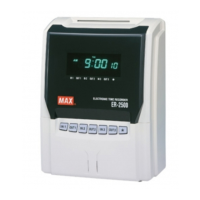
MAIN FEATURES
1. Printing the daily total time for regular working time or overtime Excluding ER-1600E .
2. Can select fully automatic or manual operation.
3. Printing regular minutes (1/60) or 1/100
th
of an hour.
4. Printing up to 4 columns (If using daily total printing, up to 5 columns).
5. Up to 150 employees in every time period (If using daily total time, up to 50 employees).
6. Printing the symbols, Late-in: , Early-out: , Overtime: and Next day overtime:
.
7. Password protection for settings.
8. Three kinds of installation (Table, Wall, and Laid Down Position).
9. Three kinds of pay period formatting (Monthly, Weekly or Bi-weekly).
10. Can select Daylight Saving Time (for summer time).
11. Printing past midnight in the same line of the day by Line Shift Time.
12. Printing the time in the same line of the day after Line Shift Time.
13. Built-in lithium battery protects the clock, calendar and program data for 3 years.
14. Twelve / twenty-four hour display formats.
15. Time / Date / Month / Year are already preset.
16. Backlit LCD display
Some areas or countries will be required to reset the time.
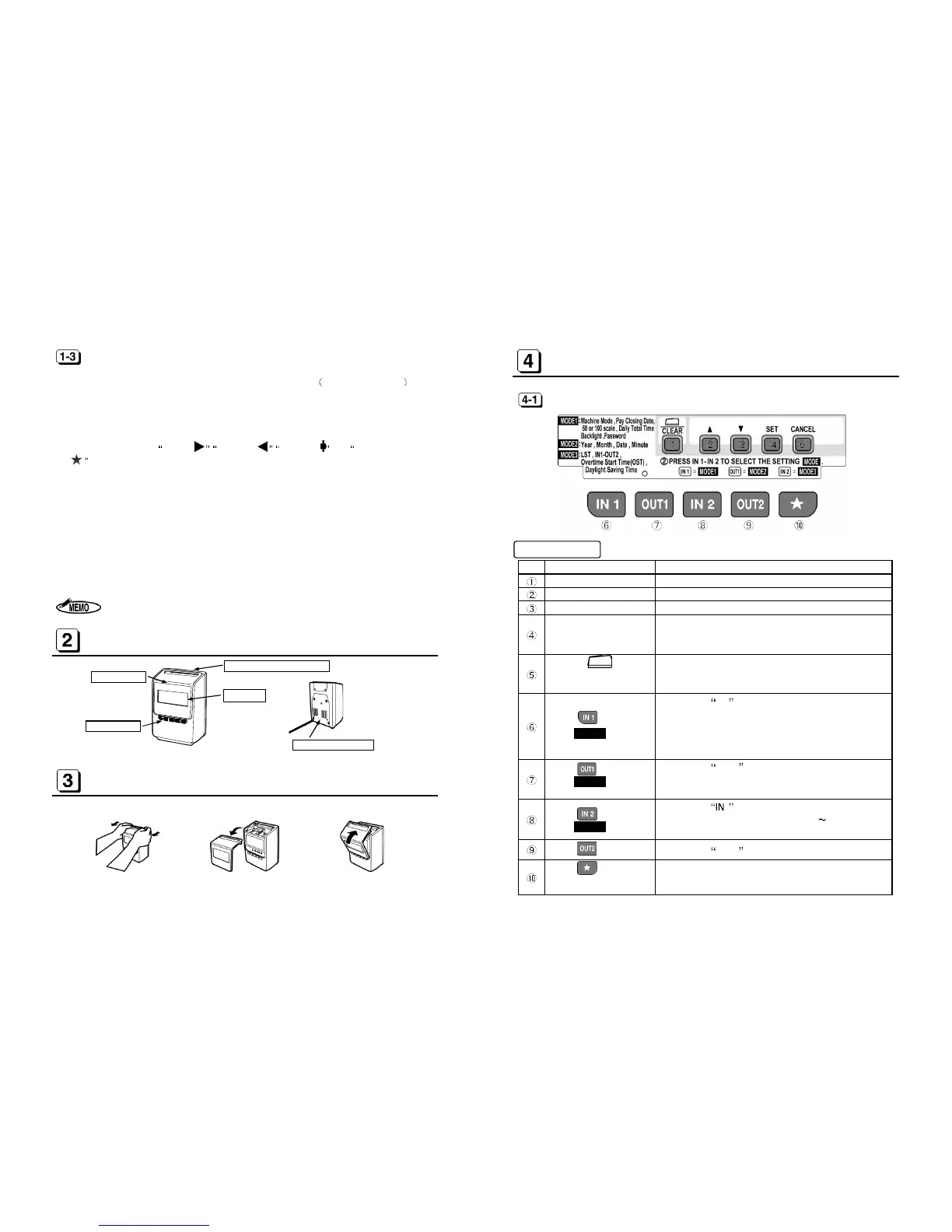
HOW TO OPEN AND CLOSE FRONT COVER
Pull as illustrated
Push as illustrated above.
KEYBOARD LAYOUT
Functions of keys
FORWARD KEY To increase the number when changing settings.
BACKWARD KEY To decrease the number when changing settings.
SET KEY To register figures.
CANCEL KEY
To return to the start of setting mode without registration.
To enter the setting mode by pressing for 3 sec. and input
or CLEAR KEY
To turn the time on the display upside down.
To initialize current setting item.
or
MODE1 KEY
To select the IN1 column.
To set Machine Mode, Pay C
losing Date, 60 or 100 scale,
Daily Total Time, LCD Backlight and Password in the se
or
MODE2 KEY
To select the OUT1 column.
To set Year, Month, Date and current Time in the setting
mode. (See [8] on page 14
or
MODE3 KEY
To select the 2 column.
To set Line Shift Time, Working Time(IN1 OUT2, OST)
and Daylight Saving Time.
KEY
To select the OUT2 column.
KEY)
To print the time in the same line of the day after Li


 To Next Page