EasyManua.ls Logo

MAXDATA M-BOOK 6000 G3 - Page 127

MAXDATA M-BOOK 6000 G3
194 pages
Print Icon
To Next Page IconTo Next Page
To Previous Page IconTo Previous Page
Loading...
5
English
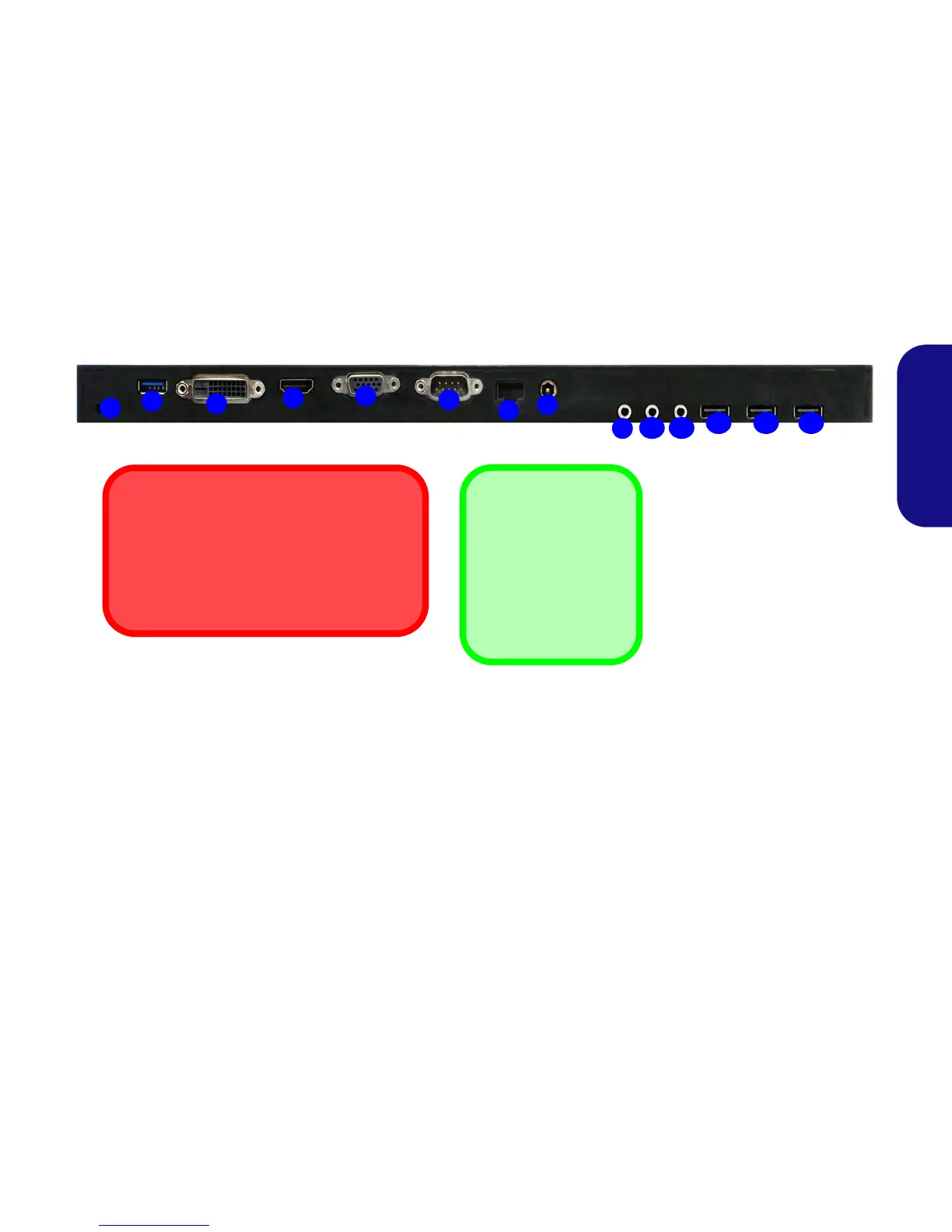
System Map: Rear View
1
3
11
12
2
4
5
9
6
7
10
LAN Jack & Docking
Note that when the computer is docked with the
docking station, the notebook’s LAN Jack can
no longer be used. When the system is docked
use the docking station’s LAN jack.
8
Figure 2
Rear View
1. Security Lock Slot
2. USB 3.0 Port
3. DVI-D Out Port
4. HDMI-Out Port
5. External Monitor Port
6. Serial (COM) Port
7. RJ-45 LAN Jack
8. DC-In Jack
9. Headphone Jack
10. Microphone Jack
11. S/PDIF-Out Jack
12. USB 2.0 Ports
12 12
USB
The USB 3.0 ports are
colored blue. USB 3.0
will transfer data much
faster than USB 2.0,
and is backwards-com-
patible with USB 2.0.

Table of Contents

Related product manuals