13
English
One Button Hard Disk Backup
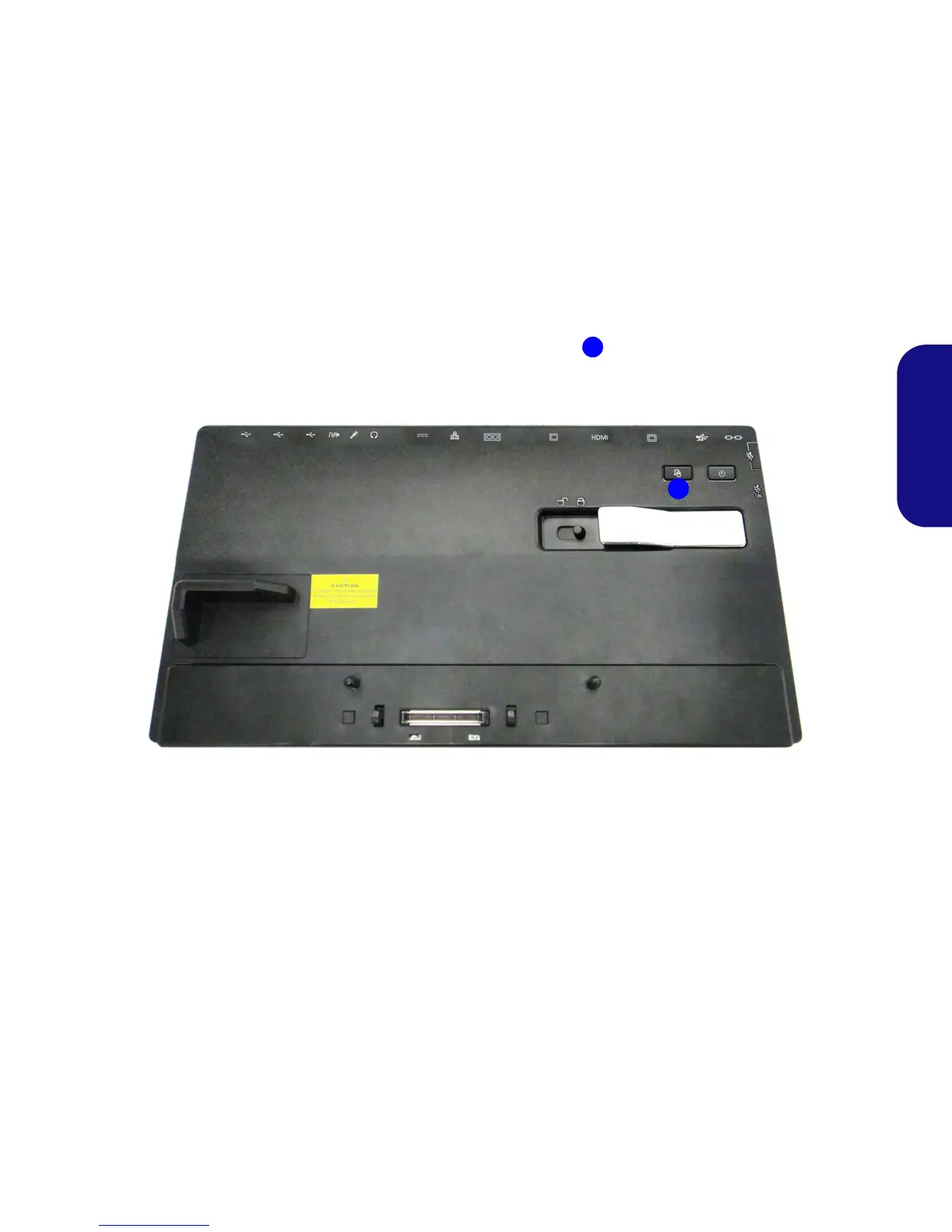
When the system is docked you can press the Hard Disk Backup Button to launch the Windows 7’s Backup and
Restore function. If you do not have a hard disk installed in the docking station you can set the Windows 7’s Backup
and Restore application to backup to any attached hard disk, CD/DVD or non system partition of your computer.
Figure 10 - Front View (HDD Backup Button)



 To Next Page