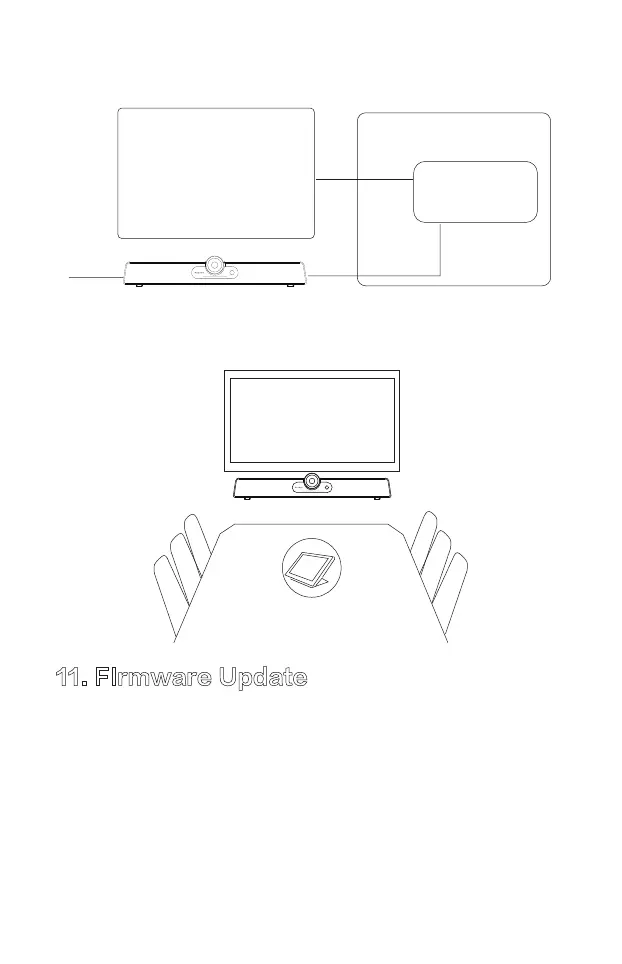
10.3. Meeting room with dedicate In-room system
11. FIrmware Update
Firmware updates improve performance and add new functionality of the
Product. Please download and install the MAXHUB Align software to
perform firmware update. MAXUB Align software can also be used to
control and configuring the audio and video attributes of the product. For
details instruction please visit HTTP://www.maxhub.com for the latest
version of MAXHUB Align and User Manual.
Display
Control Panel
HDMI
Meeting Room Table
USB
power
12



 To Next Page