i. Number keys : Digital input .
j. : Turn on/off the microphone.
k. : It needs to be used with MAXHUB ALIGN:
Turn on DOA: Auto Framing and voice tracking;
DOA OFF: Auto Framing.
Note: The default is to turn on.
Presets:
1) Smart View mode is off, on the video conferencing page or open the
camera field In view, the camera preset mode can be set and switched.
2) Press the Number keys 2 seconds to save the current camera settings
(A total of 10, press and hold to set the preset, short press to switch the
preset position).
3) Short press of Number keys can switch the corresponding preset state.
8. Mount
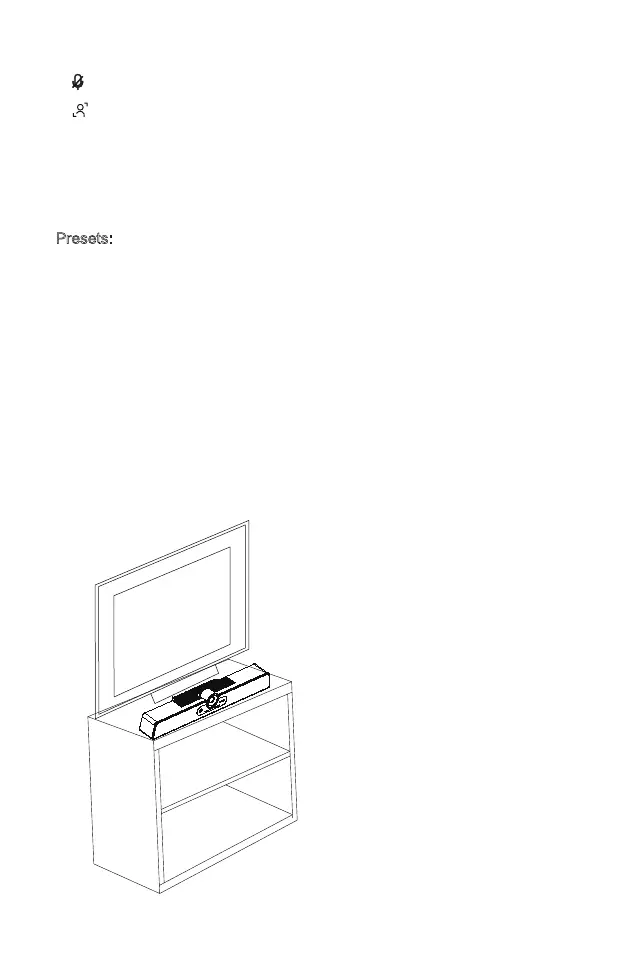
Method 1:
Place on the top of table.
Example
7



 To Next Page