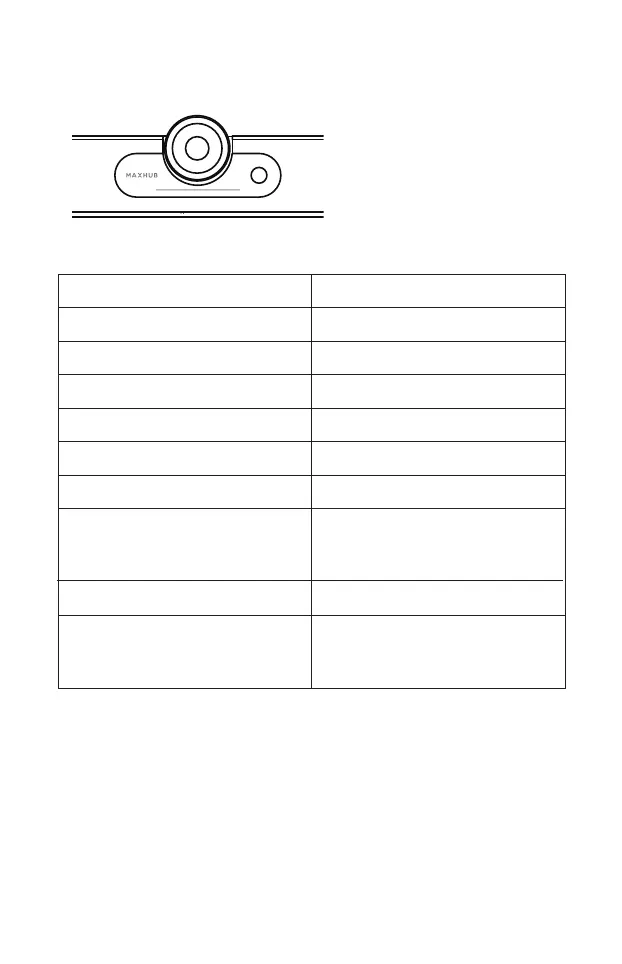
12. LED light bar Status Indicator
UC S07 System Status
Product booting up
Fully booted up and ready
Product in use - Mic and Camera both on
Mic ON and Camera OFF
Mic OFF and Camera ON
Mic and Camera both OFF
Increase or decrease volume
Blue light pulsing from left to right
Solid White
Solid Aqua Blue (Cyan)
Solid White
Solid Red
Solid Red
White light increase/decrease in
length from left to right, indicating
a change in audio levels
During Firmware Upgrade White light pulsing from left to right
Voice direction indicator (during call)
12 LED dot indicating with 180°coverage.
Blue dot light up for 1 second to indicate
the direction of the sound source.
LED light bar indicator
13



 To Next Page