25
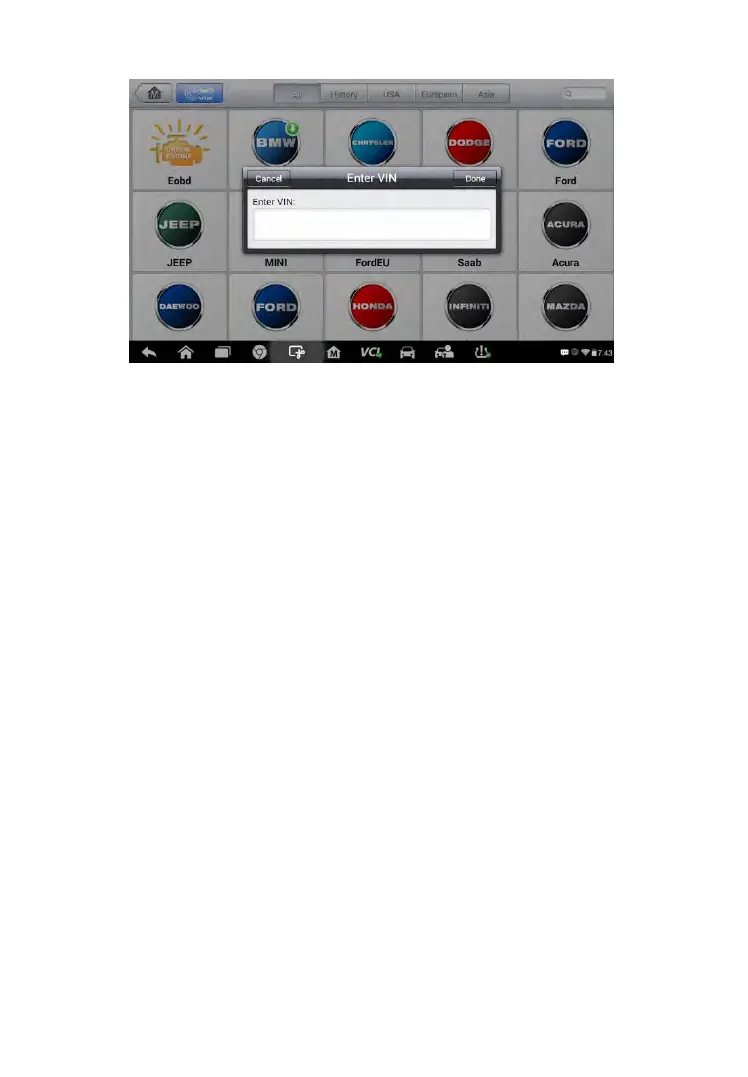
Figure 4-6 Sample Diagnostic Screen
5. Tap Done. The vehicle will be identified in a few seconds, and once
the matching is successful, the system will guide you to the Vehicle
Diagnostics screen directly.
6. Tap Cancel to exit Manual Input.
Automatic Selection
In some cases when users have selected the vehicle brand instead of
performing Auto VIN Scan in the first place, the system still provides an
option for vehicle VIN scan.



 To Next Page