56
To display the battery history
1. Tap the Service application button from the MaxiCheck Job Menu.
2. Tap BMS button and wait for the vehicle manufacturer screen. You
can tap VIN Scan or the vehicle make to acquire vehicle VIN
information and tap Yes to confirm. See Vehicle Identification on
page 21 for detail.
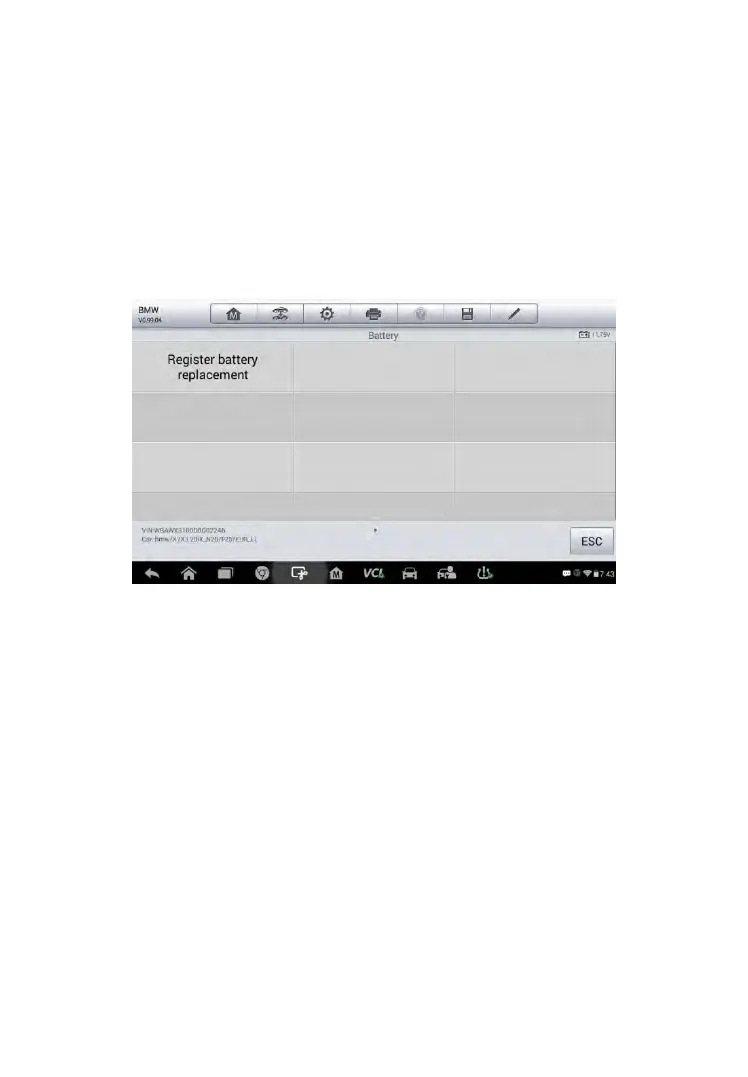
3. Tap Register Battery Replacement in the EPB function list, the list
may vary for different vehicles being tested.
Figure 5-9 Sample BMS Function List
4. Tap on the corresponding service you want to carry out. In this case,
it is function 1 Display kilometer reading at last battery change
and one before last. A notice screen displays.



 To Next Page