57
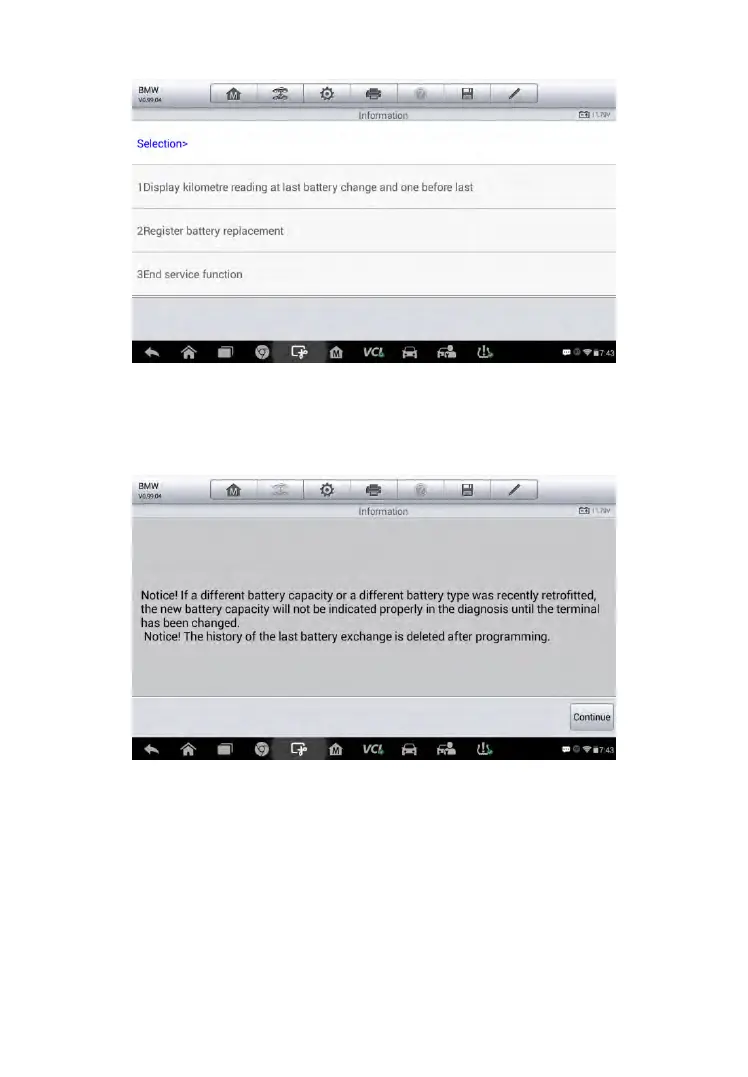
Figure 5-10 Sample BMS Screen 1
5. Read carefully the complete information and press Continue to
continue.
Figure 5-11 Sample BMS Screen 2
6. Check the battery capacity and the battery replacement information
on the screen.
7. Tap on the corresponding function 1 to return to the selection
screen or press the function 2 to end the service function.



 To Next Page