1.8 Second layer
1.8.1 Monitor mode
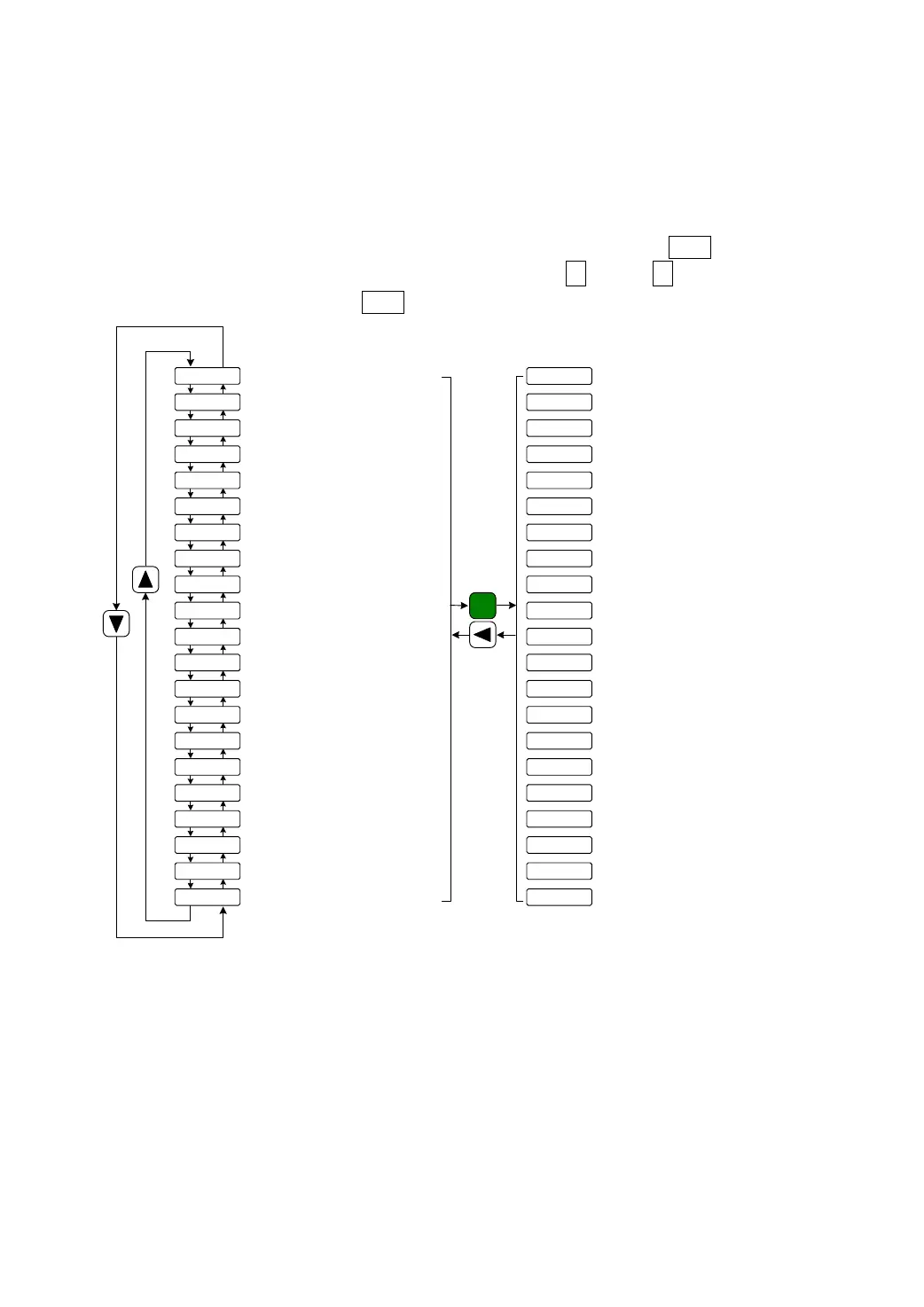
If has chosen the monitor mode “dP-@@@” in the first layer, Press the Enter button to enter
the monitor mode. There is twenty one monitor’s status. Use ↑ and or ↓ button to select the
needing monitor's status; Press the Enter button again to enter the concrete display condition.
Motor speed(r/min)
Bottom 5 digits of current position (pulse)
Linear velocity(m/min)
Current control mode
Motor current(A)
Motor torque(%)
Speed command(r/min)
Torque command(%)
Absolute position of rotor in one turn(Pulse)
Alarm code
Operation status
Input signals of encoder
Status of input terminal
Factory reserve
Motor speed 1000r/min
Current position 1245806
pulses
Position command 1245810
pulses
Position deviation 4 pulses
Motor torque 70%
Motor current 2.3A
Linear velocity 5.000m/min
Control mode 0
Speed command -35r/min
Output terminal
Input terminal
Torque command -20%
Number 9 alarm
Pulse frequency of position command(kHz)
dp-spd
dp-pos
dp-pos.
dp-[po
dp-[po.
dp-epo
dp-epo.
dp-trq
dp- i
dp-lsp
dp-[nt
dp-frq
dp- [s
dp- [t
dp-apo
dp-[od
dp- in
dp-out
dp- rn
dp-err
dp-res
r1000
p45806
p. 12
[45810
[. 12
e4
e. 0
t70
i2.3
l5.000
[nt 0
f12.6
r. -35
t. -20
a3265
In!!!!
out !!
[od!!!
rn- on
err 9
u0
Enter
Top 5 digits of current position
(x100000 pulse)
Bottom 5 digits of current command (Pulse)
Top 5 digits of current command
(x100000Pulse)
Bottom 5 digits of current deviation (Pulse)
Top 5 digits of current deviation
(x100000Pulse)
Status of output terminal
Pulse frequency of position
command 12.6kHz
Absolute position of rotor 3265
Input signals of encoder
Operation status: in running
Factory reserve
Picture 8.0 Diagram of monitor mode operation



 To Next Page