Getting Account Information 17
Maxtor Central Axis
Step 2: Below Name, select an account from the dropdown menu
Step 3: If the account is private, enter the password.
Step 4: Click Connect.
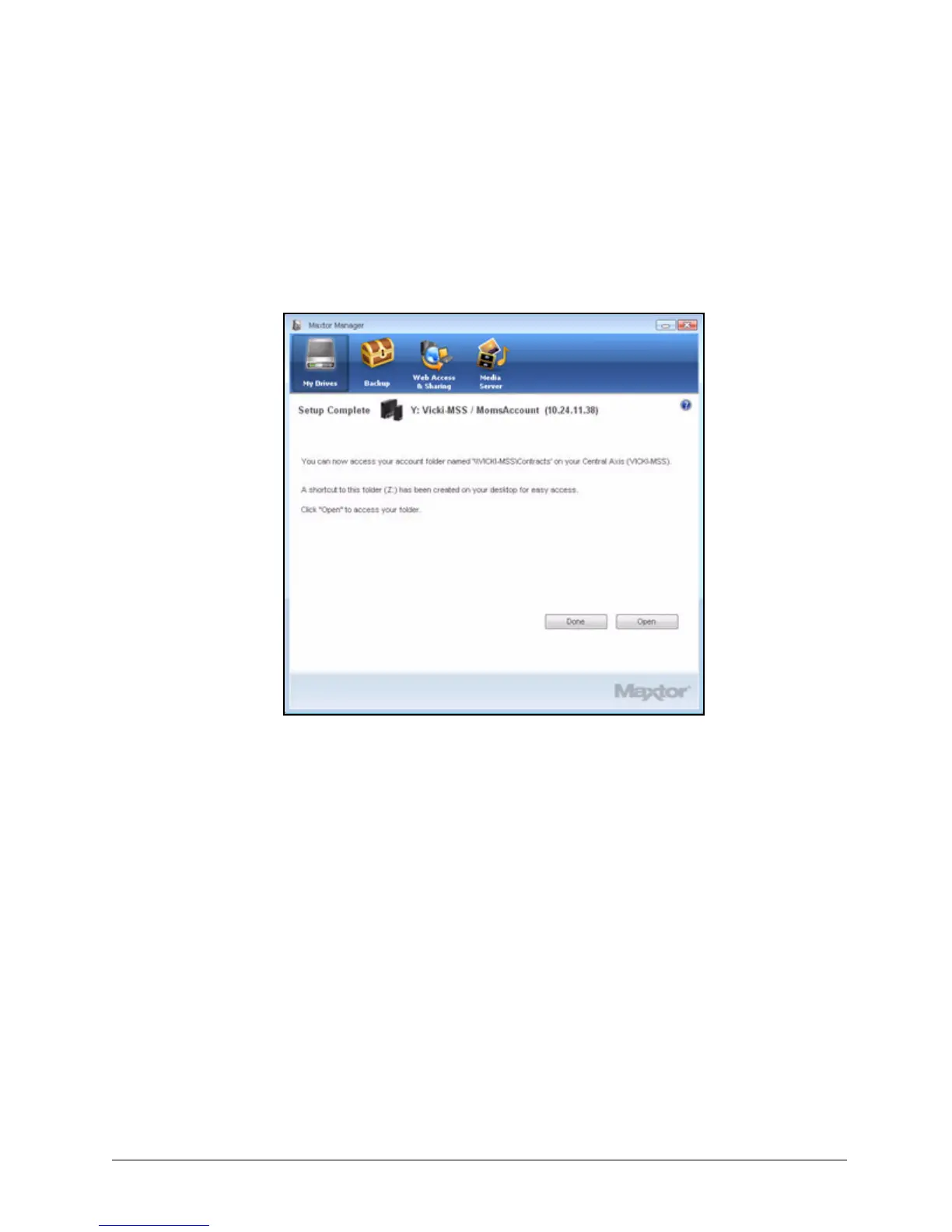
A Setup Complete window confirms that the selected user account is now
accessible:
Step 5: Click Open to access the account folder now or Done to return to the My Drives
window.
The Mounted Share and Drive fields in the My Drives window are now populated
with the user account information.
Getting Account Information
To get storage and backup information for all accounts on this Central Axis,
Step 1. In the My Drives window, click the Information button:
Figure 21: Setup Complete



 To Next Page