Using Scheduled Backup 50
Maxtor Central Axis
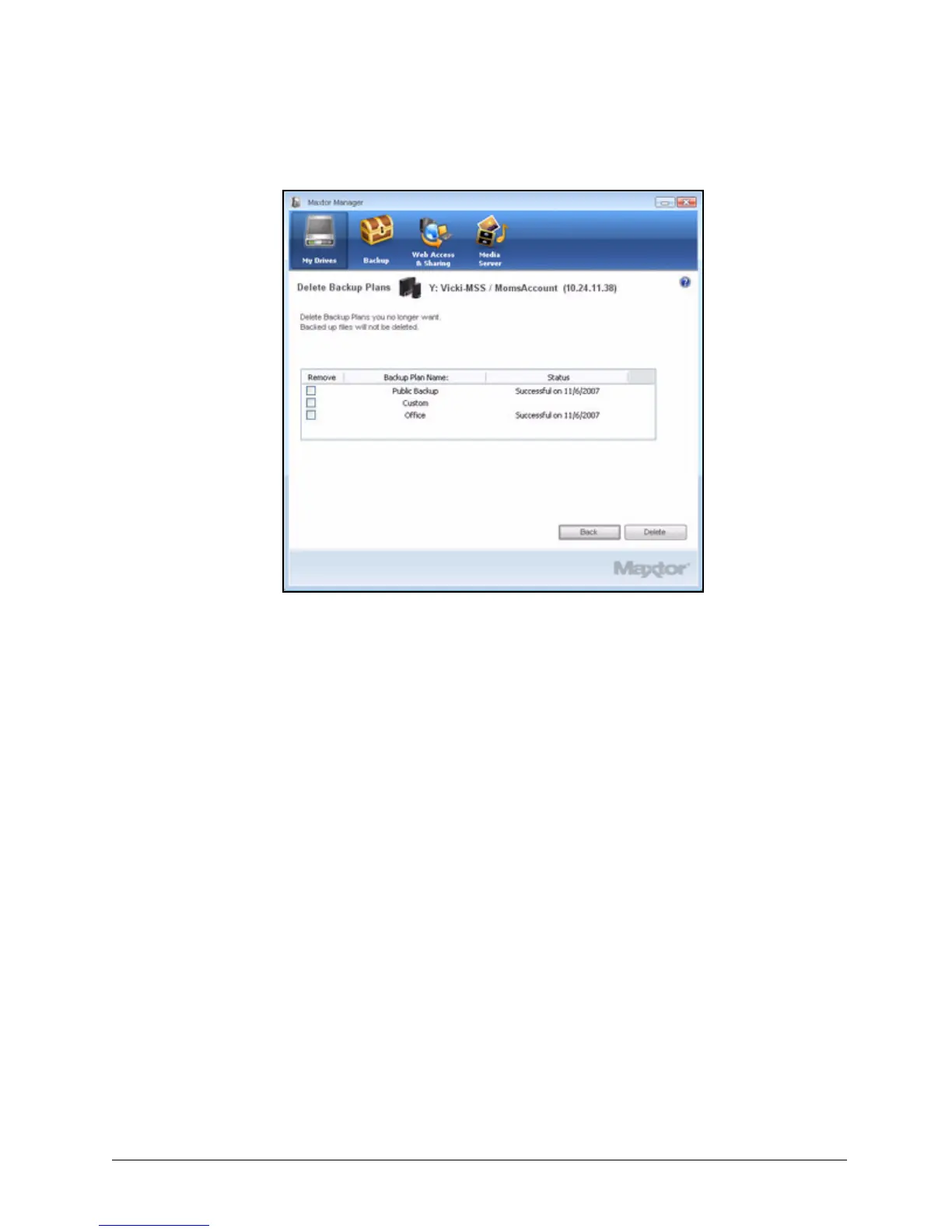
Listed is the Backup Plan for each Central Axis connected to your computer.
Step 3: Select the Backup Plan you want to delete and click Delete.
The Backup Plan is deleted.
Note: Your backed up files are NOT deleted.
Using Scheduled Backup
Use Scheduled Backup to back up changed files in backed up folders on the days and time
you set. The Scheduled Backup On/Off switch enables or disables the Backup schedule.
By default, Scheduled Backup is turned on.
Turning Off Scheduled Backup
To turn off Scheduled Backup,
• In the Backup window, click the Scheduled Backup Off button.
Figure 56: Delete Backup Plan



 To Next Page