Backing Up Manually 51
Maxtor Central Axis
Backing Up Manually
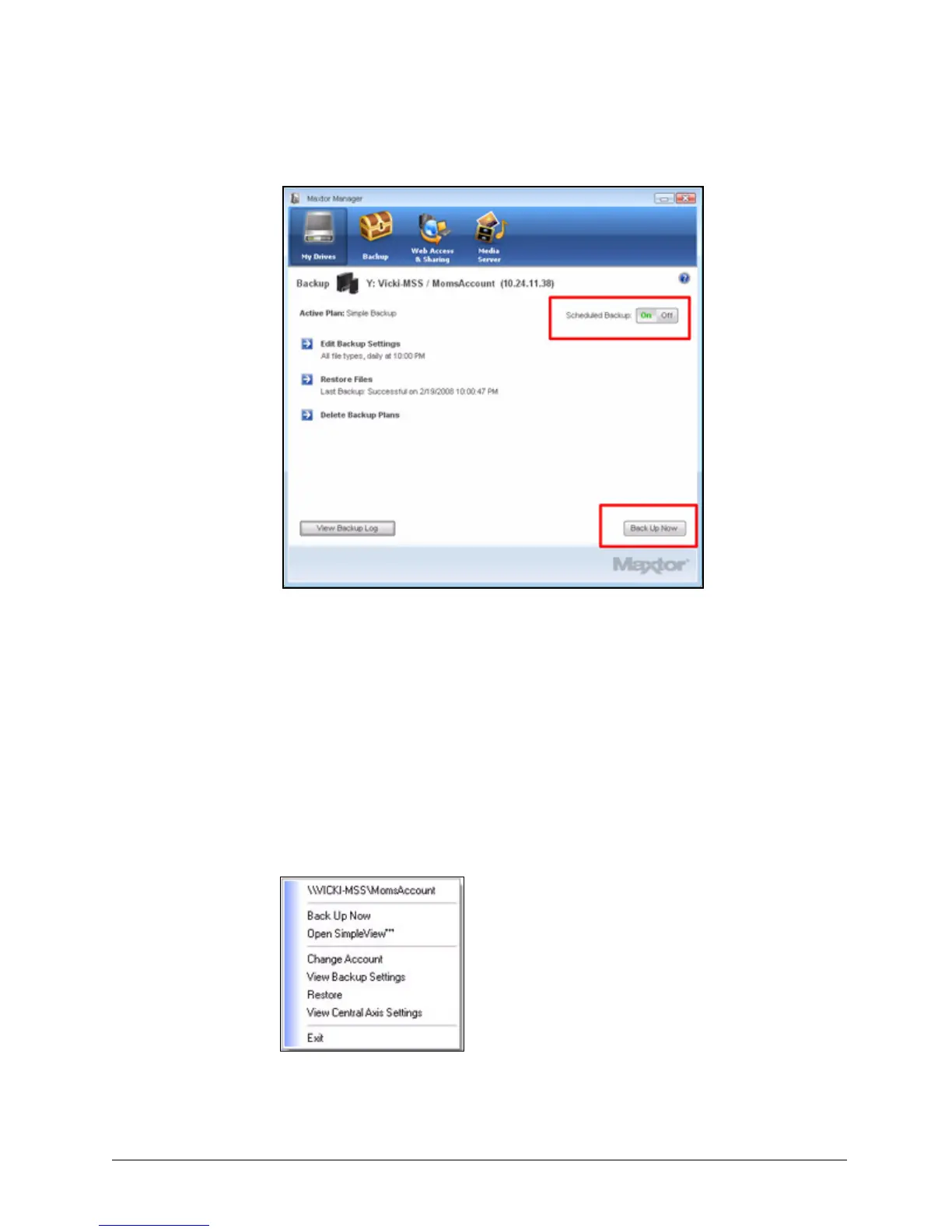
You can back up files manually whenever you like, whether Scheduled Backup is on or off.
To launch a backup manually,
• Click Back Up Now in the lower right corner of the Backup window.
— OR —
•Select Back Up Now from the System Tray menu:
A Backup Progress window tells you when the backup is complete:
Figure 57: Scheduled Backup Off



 To Next Page