Accessing the Seagate Web Access Website 69
Maxtor Central Axis
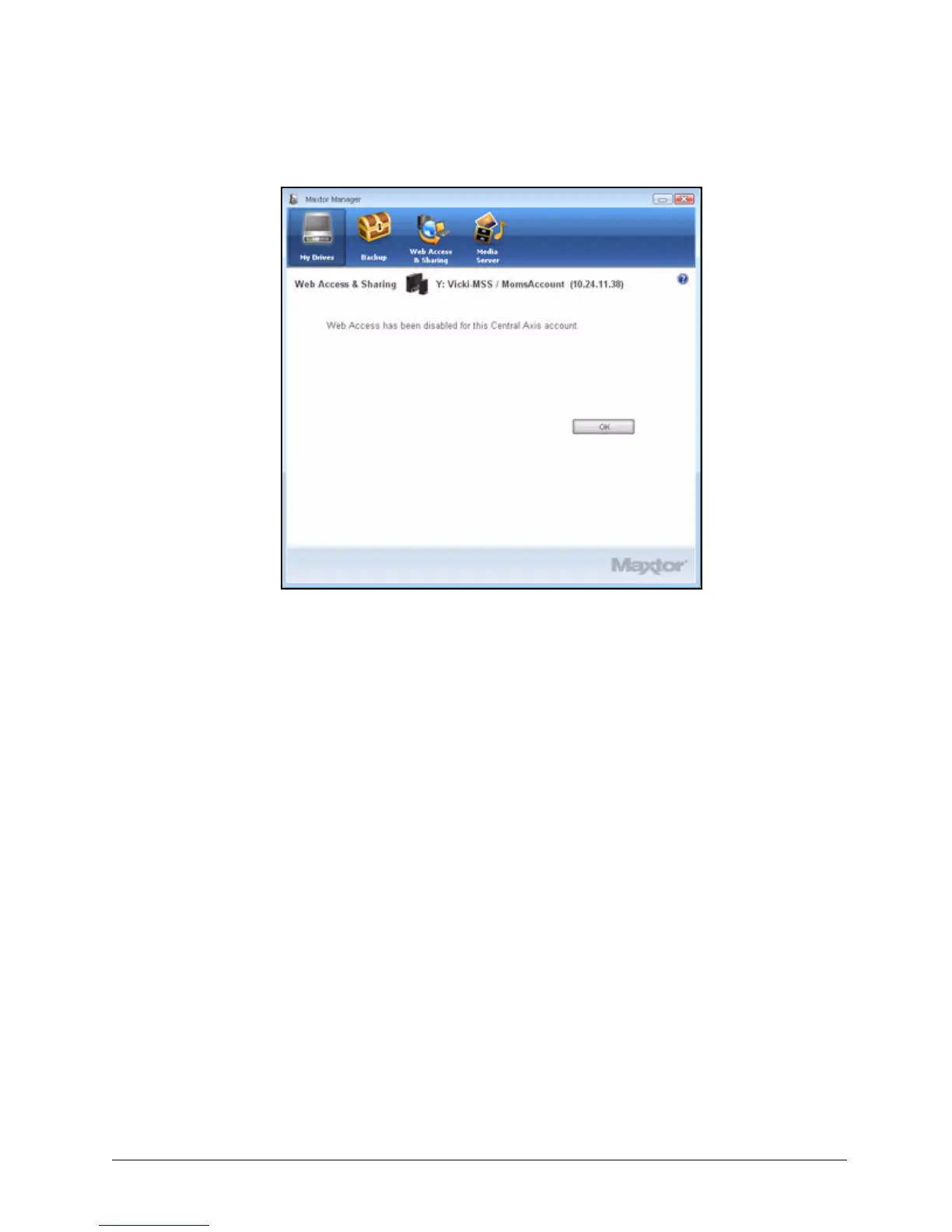
Step 6: Click OK to return to the Web Access & Sharing window.
In order to enable Web Access, you must again log in to both your local Central
Axis account and your Seagate Global Access account .
Accessing the Seagate Web Access Website
Use the Seagate Web Access website to access files you’ve backed up to your Central
Access when you’re away from your computer and to share backed up files with others via
the web.
To go to the Seagate Web Access website,
Step 1. In the Web Access & Sharing window, click Visit Web Access Site.
Figure 79: Web Access Disabled



 To Next Page