Reading the LED Status Indicators 30
Maxtor Central Axis
1 White/3 Red Boot Error: Cannot boot from Drive 1
1 White/4 Red Failure to mount shared folder partition
2 White/2 Red Hard disk drive S.M.A.R.T Error: Problem with Drive 2
2 White/3 Red Boot Error: Cannot boot from Drive 2
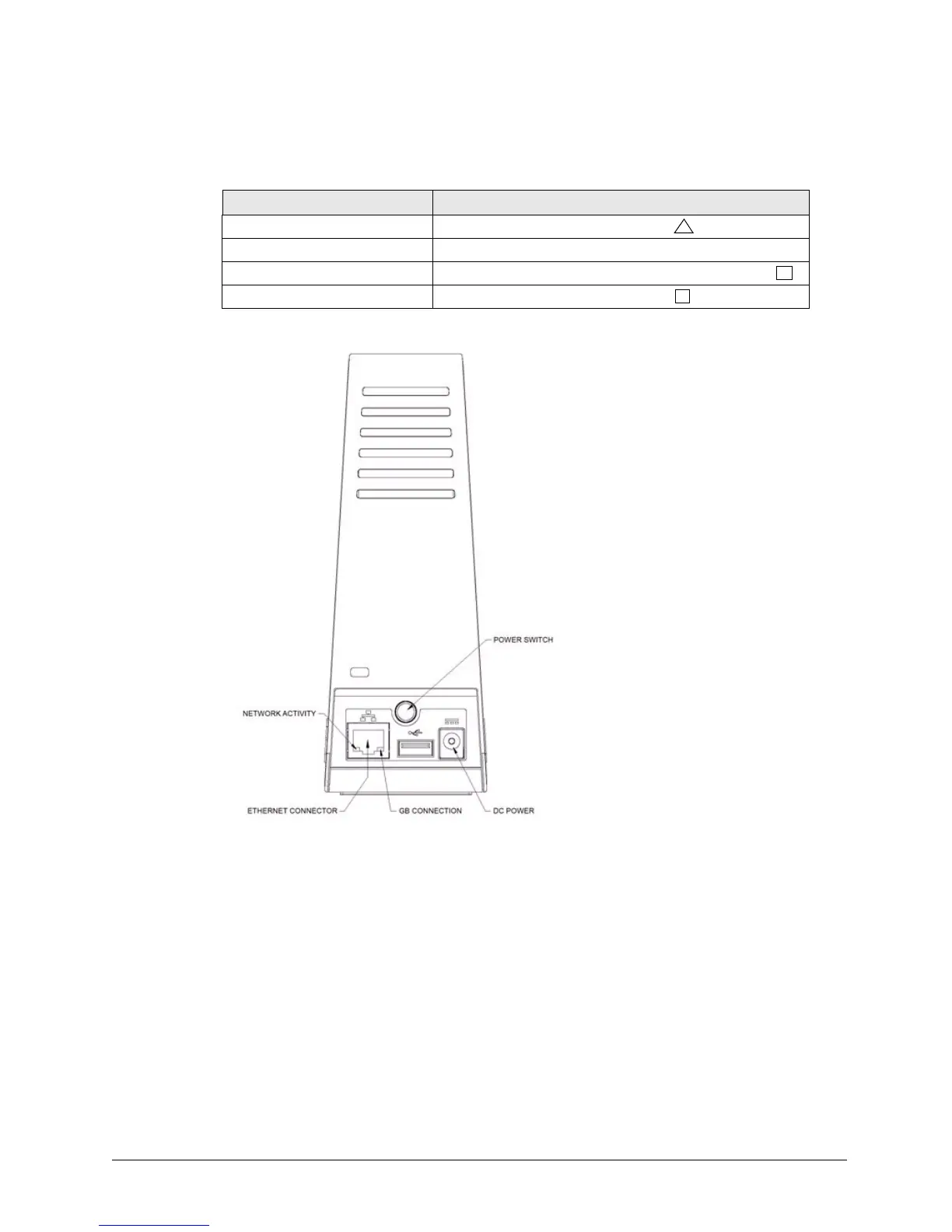
Figure 36: Central Axis Single Drive LEDs – Rear View
Table 3: Status LED Error Codes (continued)
Flashing LED Descriptions Error



 To Next Page