Page 10
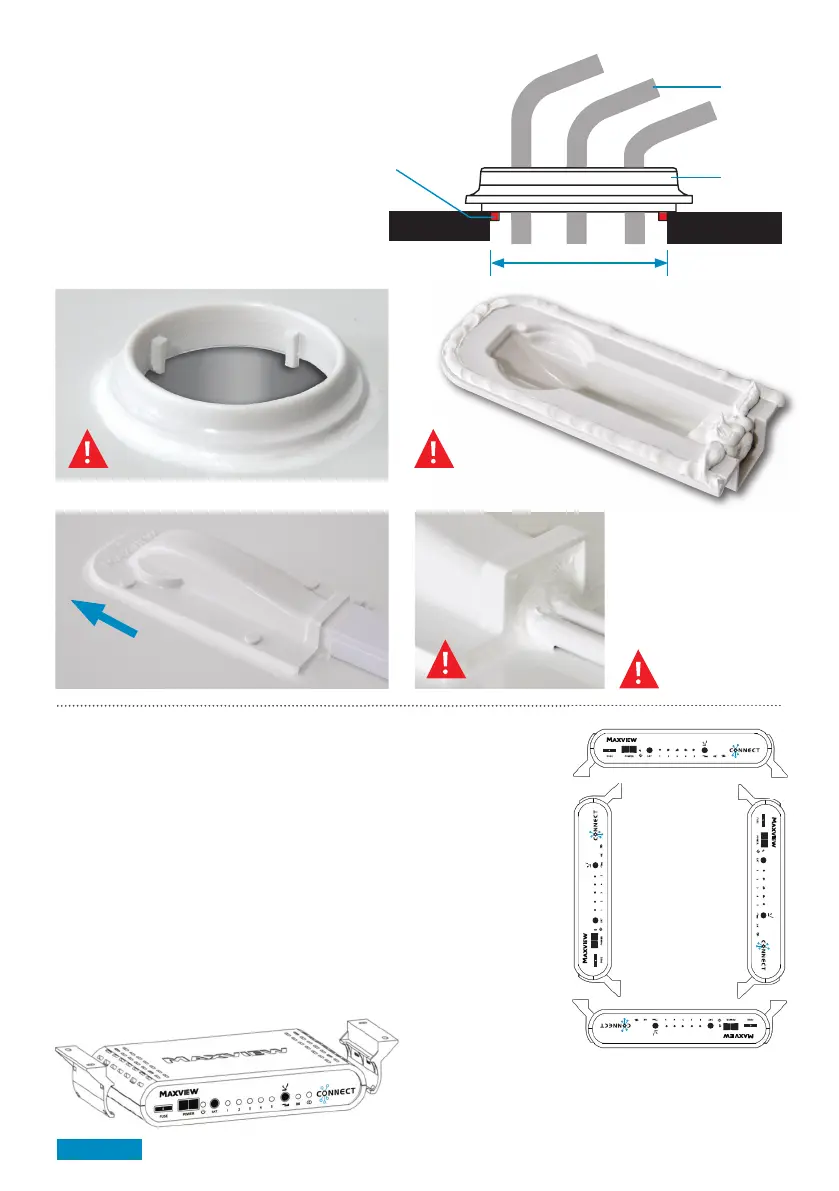
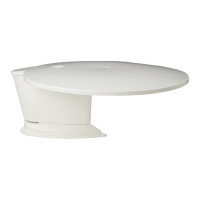
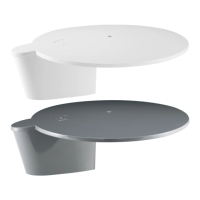
Installing Cable Entry Cover
1. Plan your installation carefully
2. Drill a 32mmø hole in roof
3. Prepare surface for adhesion
4. Apply sealant as shown in A,B,C
(we recommend Sikaflex-512 Caravan)*
5. Position top hat
6. Position cable entry cover
7. Wipe excess sealant with a dry cloth
Applying sealant example:
= Generously apply
wet seal adhesive
Vehicle roof
Hole location
tabs
32mm ø
A B
C
Direction of travel
(front of vehicle)
Top hat
Cable
Installing Control Box
Having previously chosen a suitable location
1. Clip the mounting brackets onto the Control Box
2. Place Control Box on the horizontal or vertical surface & mark the 4 holes
3. Depending on material drill a pilot hole or use a bradawl
4. Attach cables to Control Box refer to page 11 for details
5. Screw Control Box into position using 4 x No. 6 Screws
Mounting Positions
Position the Control Box in one of the 4 ways shown right.
Make sure that the front is easily accessible
Fitting the Control Box Brackets:
The brackets snap fit to the Control Box casing



 To Next Page