Connections & Features
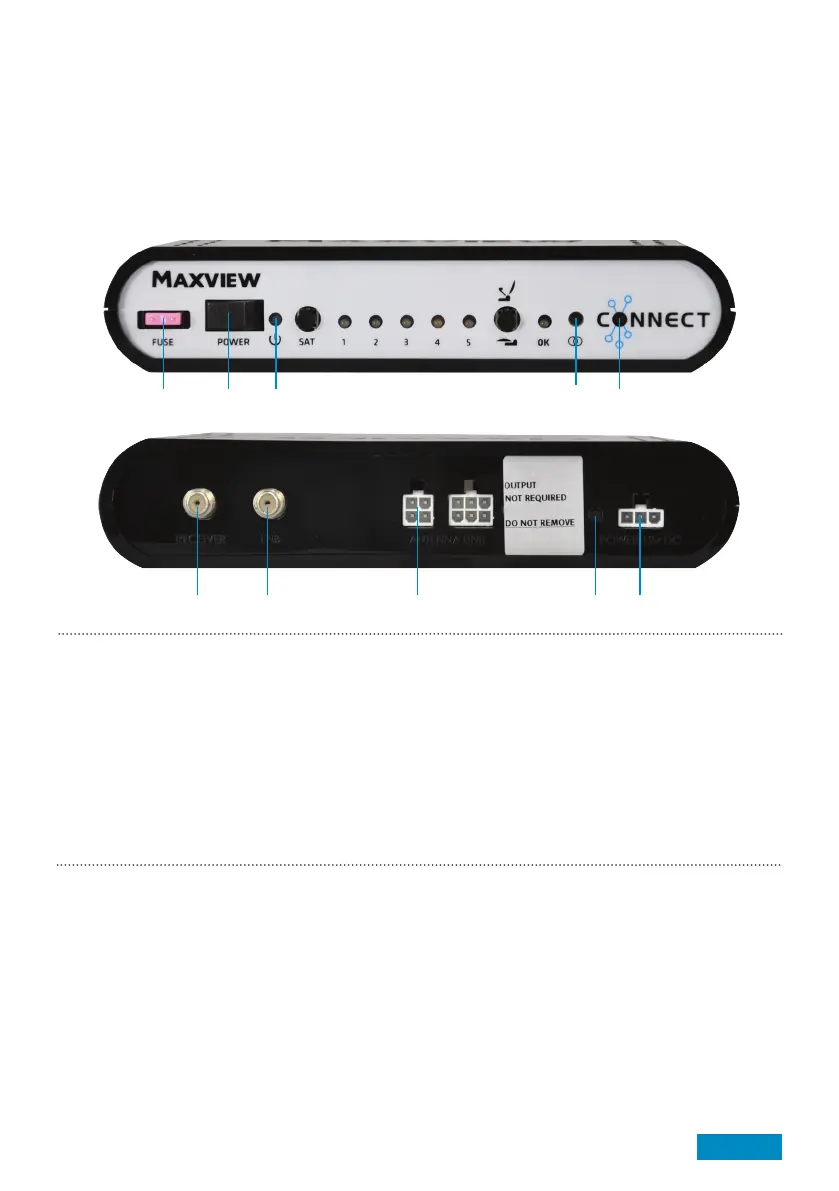
Control Box:
1. Fuse
2. Power Switch
Product contents
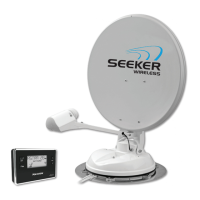
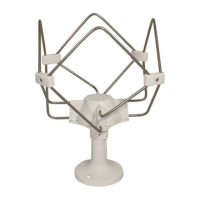
> Antenna Unit / Control Box
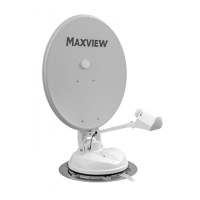
> 85cm Antenna (separate carton) 50cm Antenna (Fitted)
> Accessory Pack
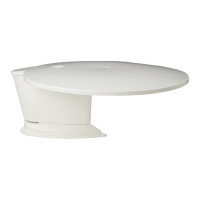
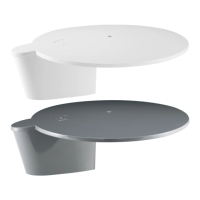
> LNB Park Plate x 1
> Control Box bracket x 2
> No.10 Screws x 6
> No.6 Screws x 4
> Cable Clips x 6 (x 12 for quad)
> M6 Button Head Screw x 4 (not included in 50cm model)
> M6 Locking Nut x 4 (not included in 50cm model)
> 6mm Plastic Washer x 4 (not included in 50cm model)
> Cable Entry Plate x 1
Required tools and equipment (not supplied)
> 32mm hole saw
> 2.5mm twist drill
> Power Drill
> No.2 Phillips screwdriver
> Weather Resistant Elastic Adhesive* and Applicator gun
> Surface Cleaner
> 10mm spanner
> Hexagonal socket key 4mm
> Deburrer/Round File/Emery paper
> Conduit (recommended method for securing cables)
> Automotive 2.5mm² cable
> Electrical connector block
> Flylead (for connection to satellite receiver)
*Maxview recommends the following adhesives:
> Sikaflex®-512 Caravan
> Geocel® Geobond HM
> Sikaflex®-252
Reference page 16 for interface information
5. Status LED
6. Receiver Out
7. LNB Coaxial In
8. Antenna Connectors
9. Installation Button
10. Power Input
1 2 3 4 5
6 7 8 9 10
3. Power LED
4. Pair Button
Page 5



 To Next Page