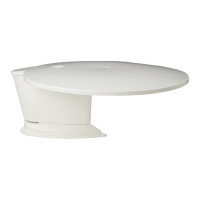
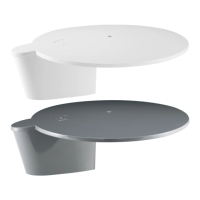
Use extra Cable Entry Plate
to route 2nd Sat feed to a
different location.
Available to order from
Maxview MXL018
Direction of travel
(front of vehicle)
Note: LNB image shows
different model.
Note: LNB image
shows different model.
For quad variants you
may need a 2nd cable
entry plate.
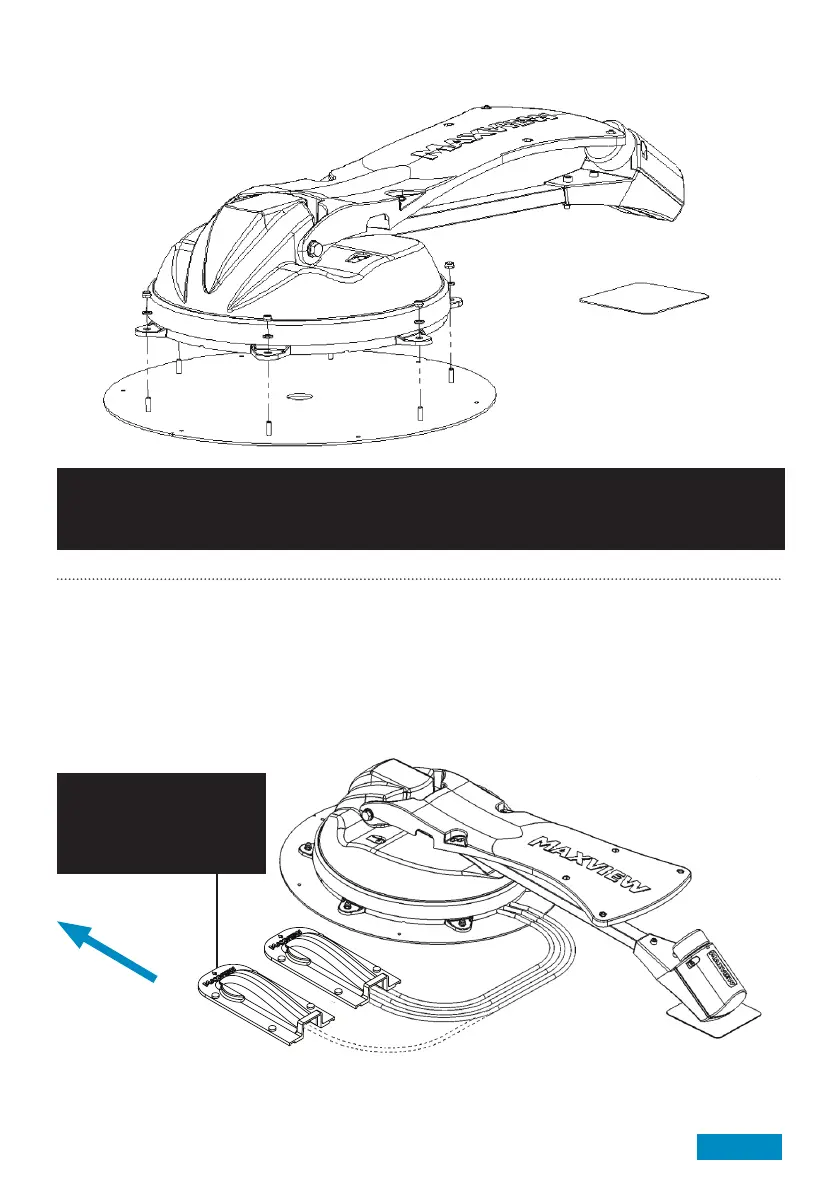
Attach Antenna Unit to Mounting Plate
Carefully lower the Antenna Unit onto the
Mounting Plate and re-attach the M6 Nuts
and Washers that were previously
removed.
Caution:
Replace Nylon locking nuts if they have been removed more than twice. The locking action of the Nylon
becomes less effective if repeatedly assembled and disassembled.
Installing Cables
1. Check there are no hidden cables in the roof structure and that the hole location is clear of obstructions both
internally and externally.
2. Turn over for Cable Entry Cover installation instructions.
Application example:
Note: To prevent trip hazards it is recommended that cables are concealed in PVCu conduit (not supplied)
where access is required to the roof of the vehicle.
Page 9



 To Next Page