37
text, start display, toolbar.
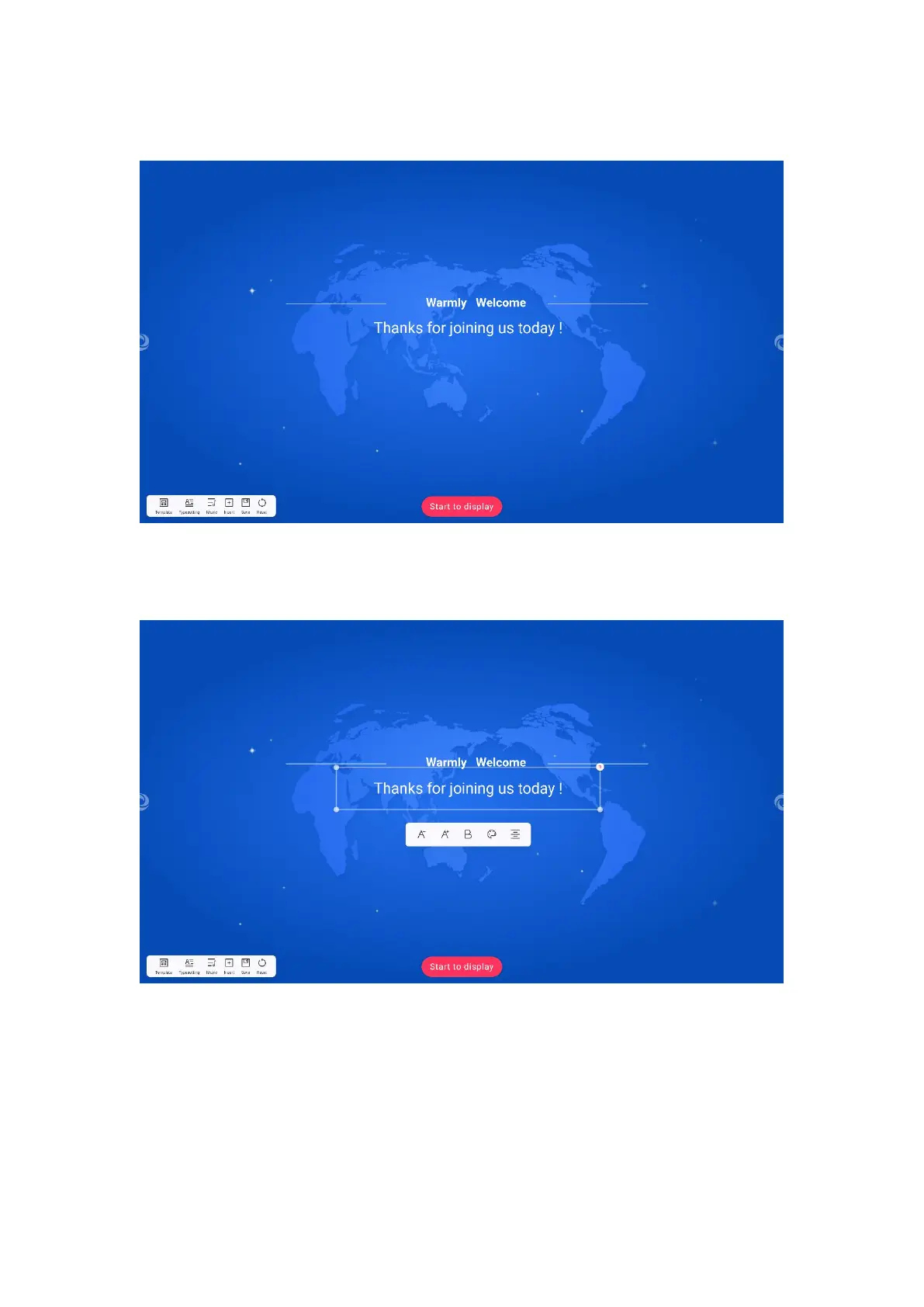
3. Edit display contents: Click the text on the main interface to appear the
editing toolbar.
4. Click the "Zoom out" and "Zoom in" buttons to control the text size to zoom
in and out.
5. Click THE B button to control the bold and cancel the bold.
6. Click the color button to pop up the color selection box and select the text



 To Next Page