3-9
12. When reinstalling the knob, the arrow on
the base should face top of control panel.
13. Reinstall the serrated side of the retaining
nut facing the control panel, so it can grip
the control panel.
14. Reinstall the switch block with the thumb
lock facing the top of the control panel.
15. Push the switch block into place on the
back of the knob.
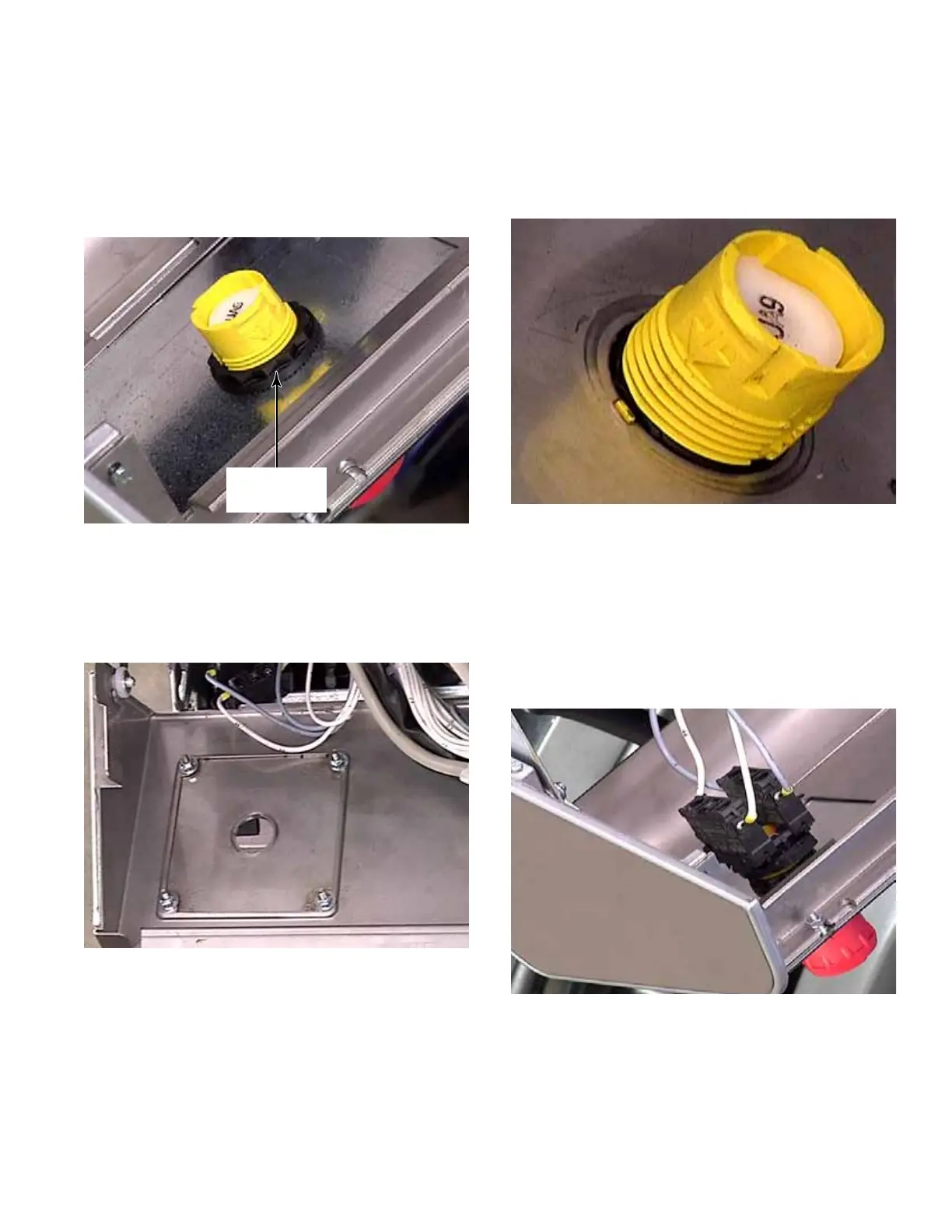
9. To remove the knob from the control panel,
unscrew the retaining ring from the back of
the button.
10. Pull the knob out through the front of the
control panel.
11. The emergency stop button mounting
plate can be removed from the control panel
by removing four nuts.
Retaining
Ring



 To Next Page