3-56
1. Remove the front panel. (See page 3-39)
2. Open the top panel. (See page 3-1)
3. Remove the coin vault from inside the
washer cabinet. (See page 3-12)
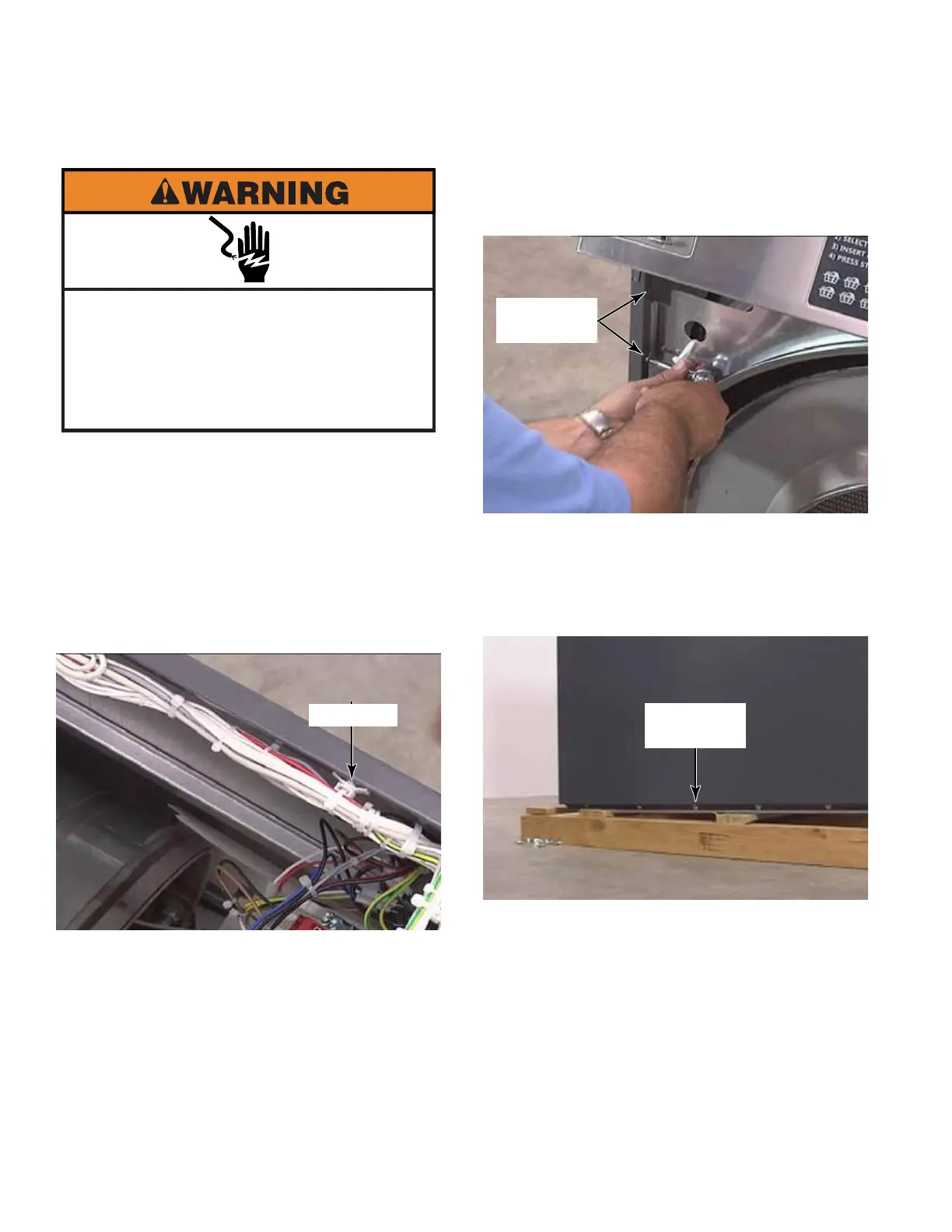
4. Clip the wire ties, in the standoffs, at the top
edge of the left side panel.
5. Remove two T-20 screws inside the front
left edge, near the top. These screws have
a star washer on them.
6. There are six T-30 screws that secure the
bottom edge of the side panel. The middle
two screw holes are slotted. Remove four
and loosen the two middle screws. Use
thread lock when reinstalling these screws.
Electrical Shock Hazard
Disconnect power before servicing.
Failure to do so can result in death or
electrical shock.
Replace all parts and panels before
operating.
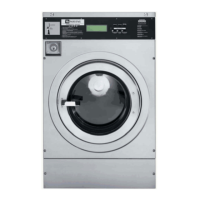
LEFT SIDE PANEL
Standoff
Two T-20
Screws
Six T-30
Screws



 To Next Page