Menu Explanation
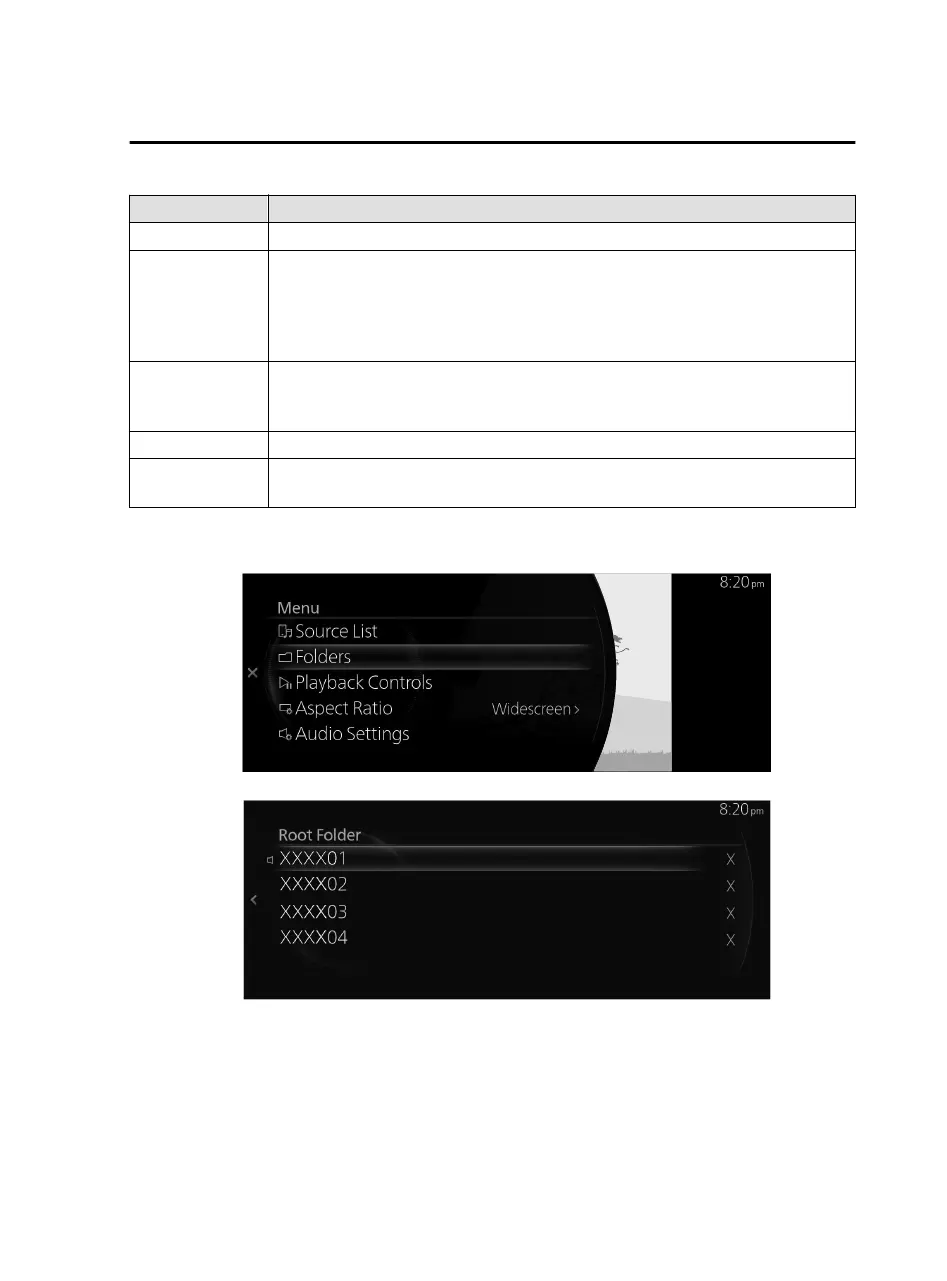
Source List Displays the Source List screen. You can switch the audio source.
Folders
Displays the Folders screen.
Displays the folder list where you can select the video you want to play from the
folder. For the selection method, refer to Selecting videos from a folder. If there is
no folder, the folder selection screen is omitted and it moves to the
file
selection
screen.
Playback Controls
Displays the control screen (icon) on the playback screen.
For the operation method for each icon, refer to How to Use the Tuner Controls
(icon).
Aspect Ratio The screen size can be switched to “Widescreen”/“Letterbox”/“Pan and Scan”.
Audio Settings
Adjusts the sound quality.
Refer to Sound Settings on page 2-115.
Selecting videos from a folder
1. Select the folder from the Folders screen.
2. Select the folder to display the file list in the folder.
3. Select the video you want to play to begin playback.
Features
Entertainment
2-69
Mazda Connect_8JB9-EA19E_Edition1_new 2019-8-1 17:07:41



 To Next Page