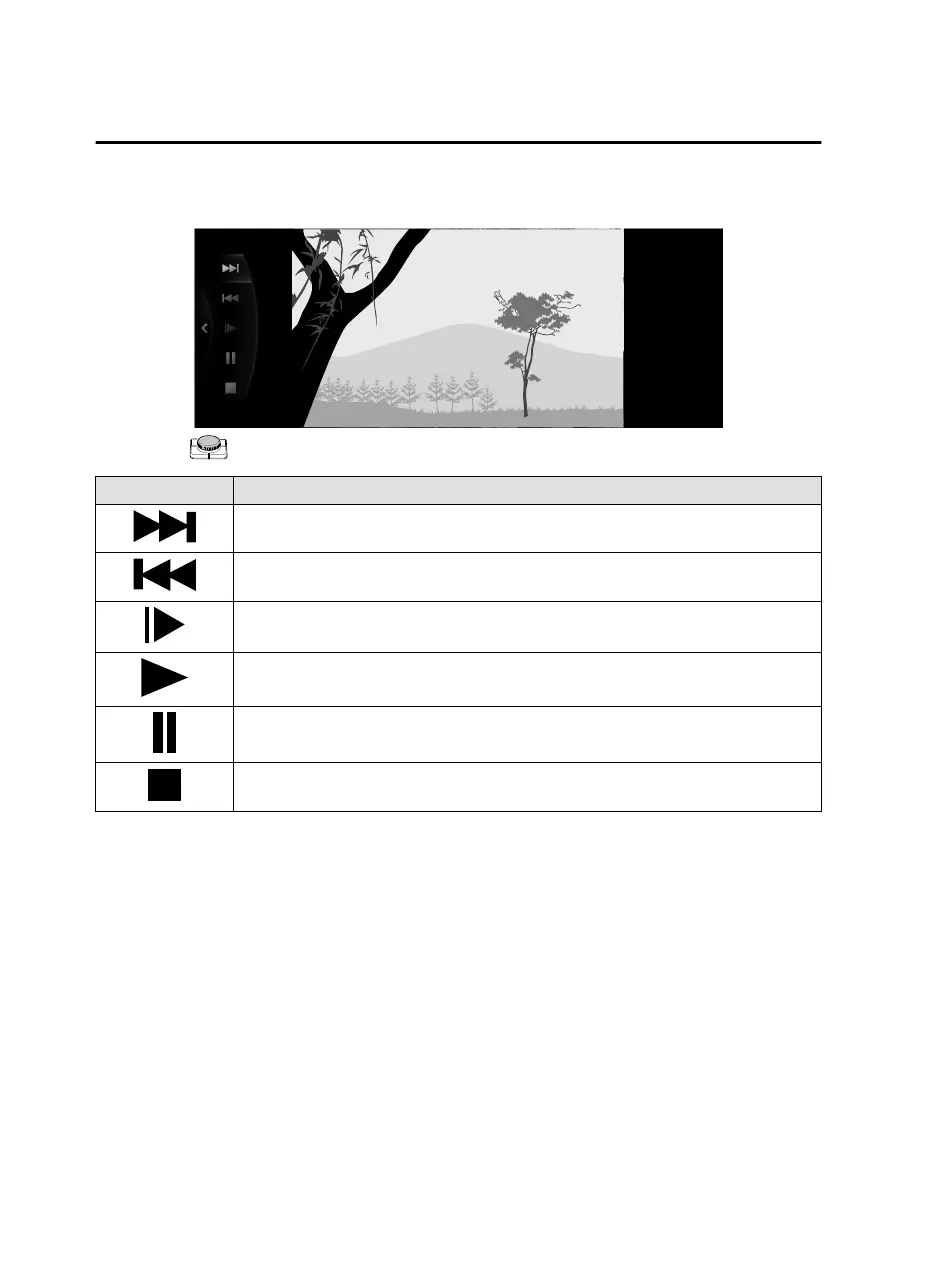
How to Use the Tuner Controls (icon)
Rotate the to select the icon you want to operate.
Icon Explanation
Advances to the beginning of the next video.
Press and hold to fast forward. Release it to stop.
Returns to the beginning of the previous video.
Press and hold to fast reverse. Release it to stop.
Plays the video in slow motion playback.
(When selected during pause) Plays the video.
(When selected during slow motion playback) Cancels slow motion playback.
(When selected during playback) Playback is paused.
Stops the video.
Features
Entertainment
2-70
Mazda Connect_8JB9-EA19E_Edition1_new 2019-8-1 17:07:41



 To Next Page