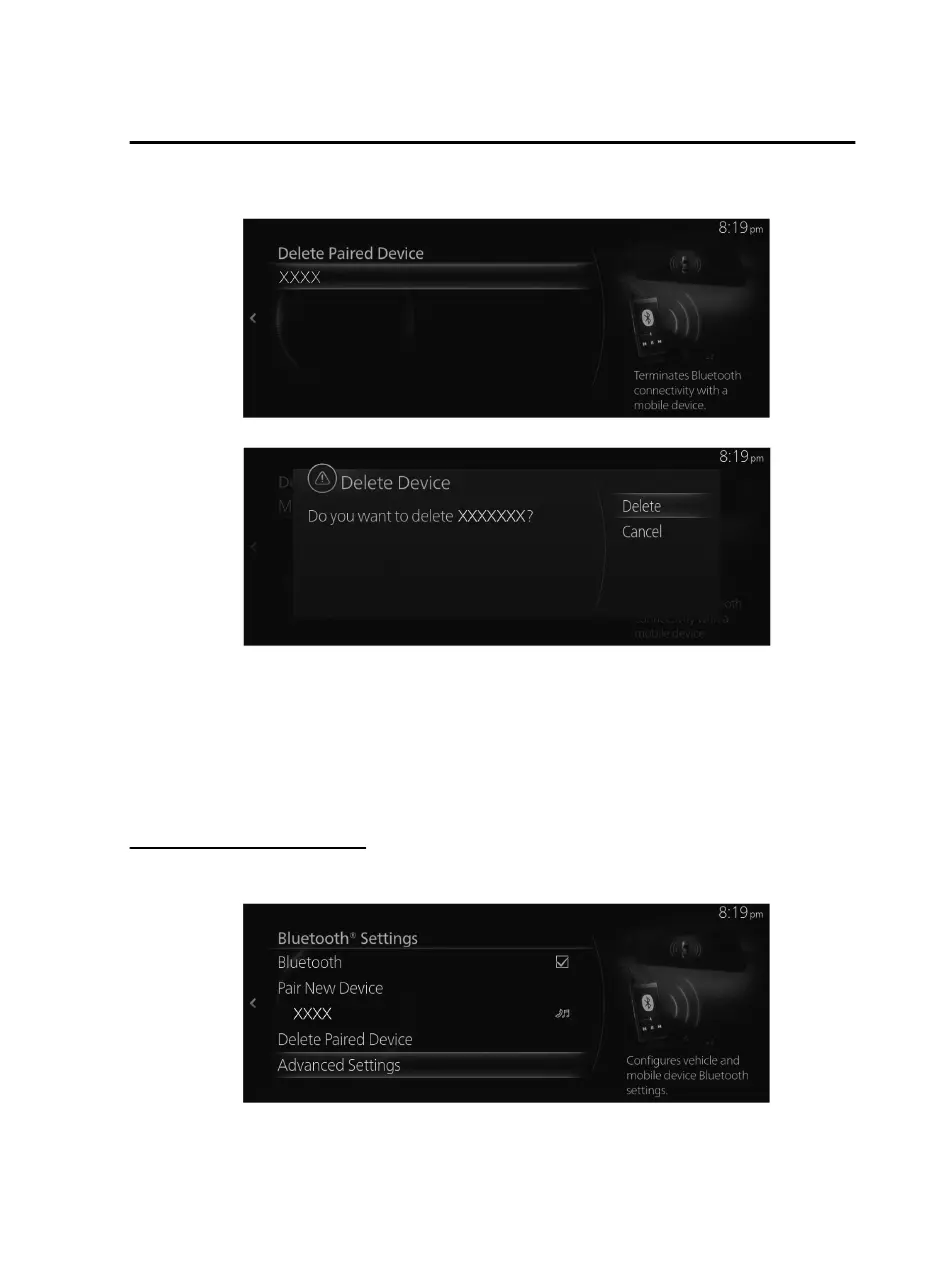
2. Select the name of the device you want to delete from the registration.
3. Select “Delete” on the Delete Device screen.
NOTE
When a Bluetooth
®
device is deleted from the registration, the phonebook, call
history, and short messages of the deleted Bluetooth
®
device are also deleted.
If a Bluetooth
®
device is deleted from the registration, also delete “Mazda” from
Bluetooth
®
device.
Changing the Pairing Code
The Pairing Code used when pairing can be changed using the following procedure.
1. Select “Advanced Settings”.
Features
Settings
2-131
Mazda Connect_8JB9-EA19E_Edition1_new 2019-8-1 17:07:41



 To Next Page