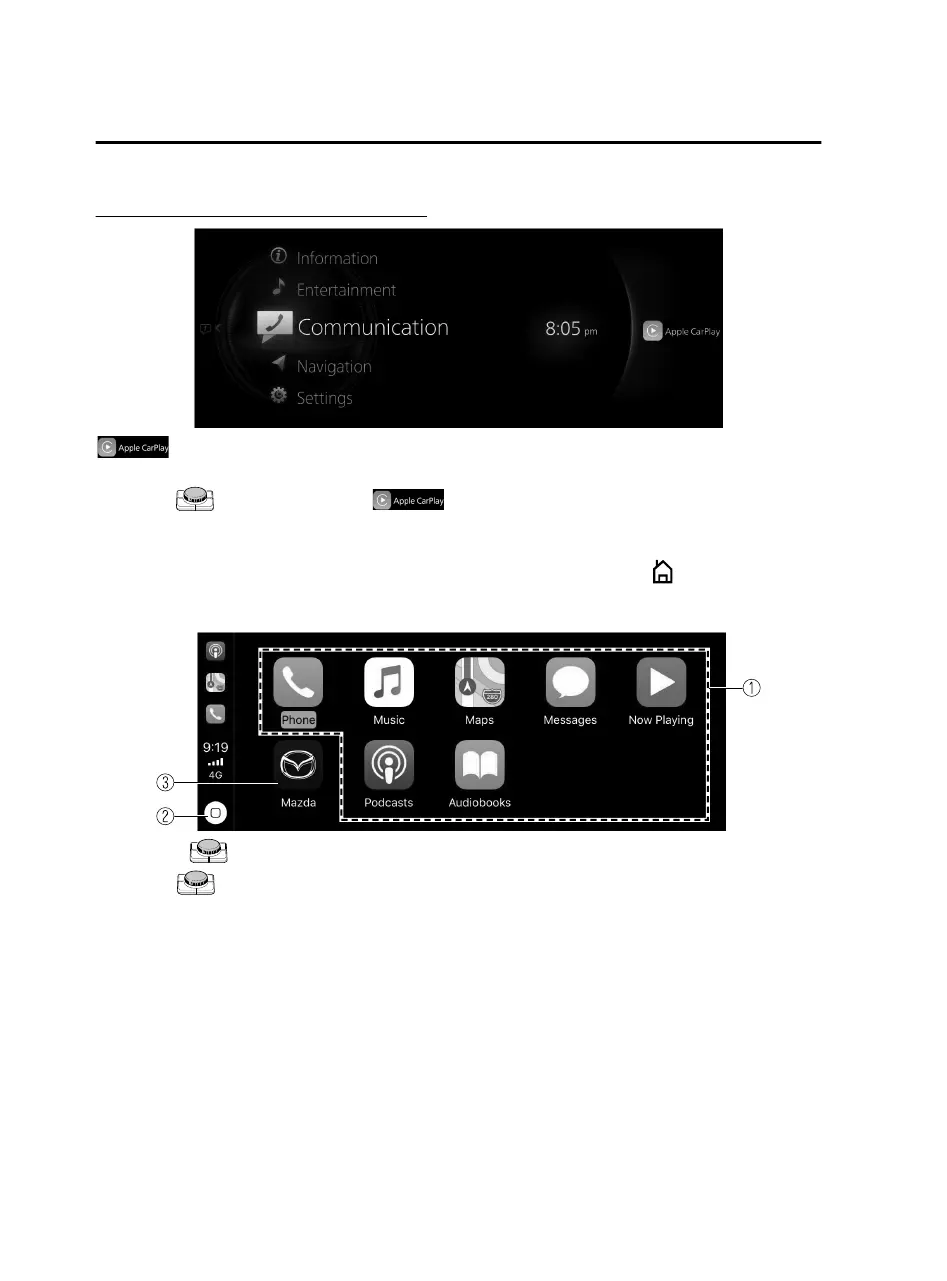
Displaying the Apple CarPlay™ screen
is displayed on the Mazda Connect home screen while Apple CarPlay™ is
connected or press and hold the Home button.
Slide the
to the right while is displayed to display the Apple CarPlay™
screen or press and hold the Home button.
Apple CarPlay™ home screen
You can display the Apple CarPlay™ home screen by pressing the
on the
commander switch while any Apple CarPlay™ screen is displayed or press and hold
the Home button.
Rotate the or slide it to select the icon you want to operate.
Press the
to activate the application of the selected icon.
Convenience
Apple CarPlay™
3-4
Mazda Connect_8JB9-EA19E_Edition1_new 2019-8-1 17:07:41



 To Next Page