NOTE
The icon displayed on the Apple CarPlay™ home screen and the display position of
the icons may dier depending on the connected iPhone
®
and iOS version or
market.
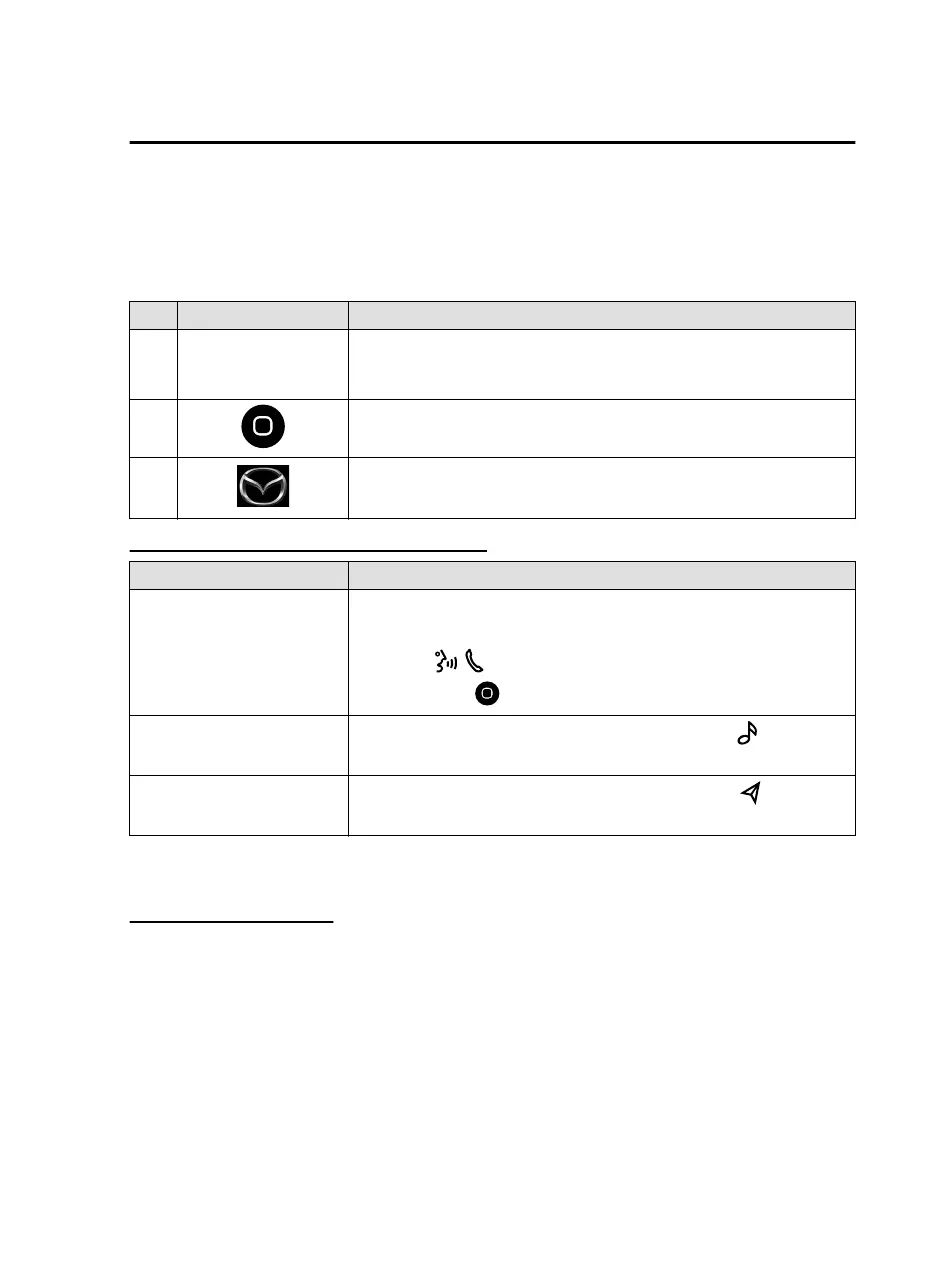
No. Icon Explanation
1
Available CarPlay ap-
plications
Activates the Apple CarPlay™ application.
Refer to the help information available with each application for the
method of using each application.
2
Displays the Apple CarPlay™ Home screen. Select and hold to activate
Siri
®
.
3
Returns to the Mazda Connect screen.
Convenient Ways to Use Apple CarPlay™
Item Operation method
To Activate the voice recogni-
tion function (Siri
®
)
*1
You can operate Apple CarPlay™ using voice by activating Siri
®
using
one of the following methods.
Press the on the audio remote control switch.
Press and hold .
To display the NowPlaying
screen
While music is playing using Apple CarPlay™, press the
on the
commander switch to return to the Apple CarPlay™ playback screen.
To display the MAP screen
During route guidance using Apple CarPlay™, press the
on the
commander switch to return to the Apple CarPlay™ map screen.
*
1 The voice recognition function of Mazda Connect cannot be used while Apple
CarPlay™ is connected.
Ending Apple CarPlay™
To end Apple CarPlay™ mode, disconnect the connector cord from the USB port or
disconnect the iPhone
®
from the connector cord.
The screen displayed before Apple CarPlay™ was activated is displayed. In addition,
the Bluetooth
®
device connected prior to the Apple CarPlay™ activation is
reconnected.
Convenience
Apple CarPlay™
3-5
Mazda Connect_8JB9-EA19E_Edition1_new 2019-8-1 17:07:41



 To Next Page