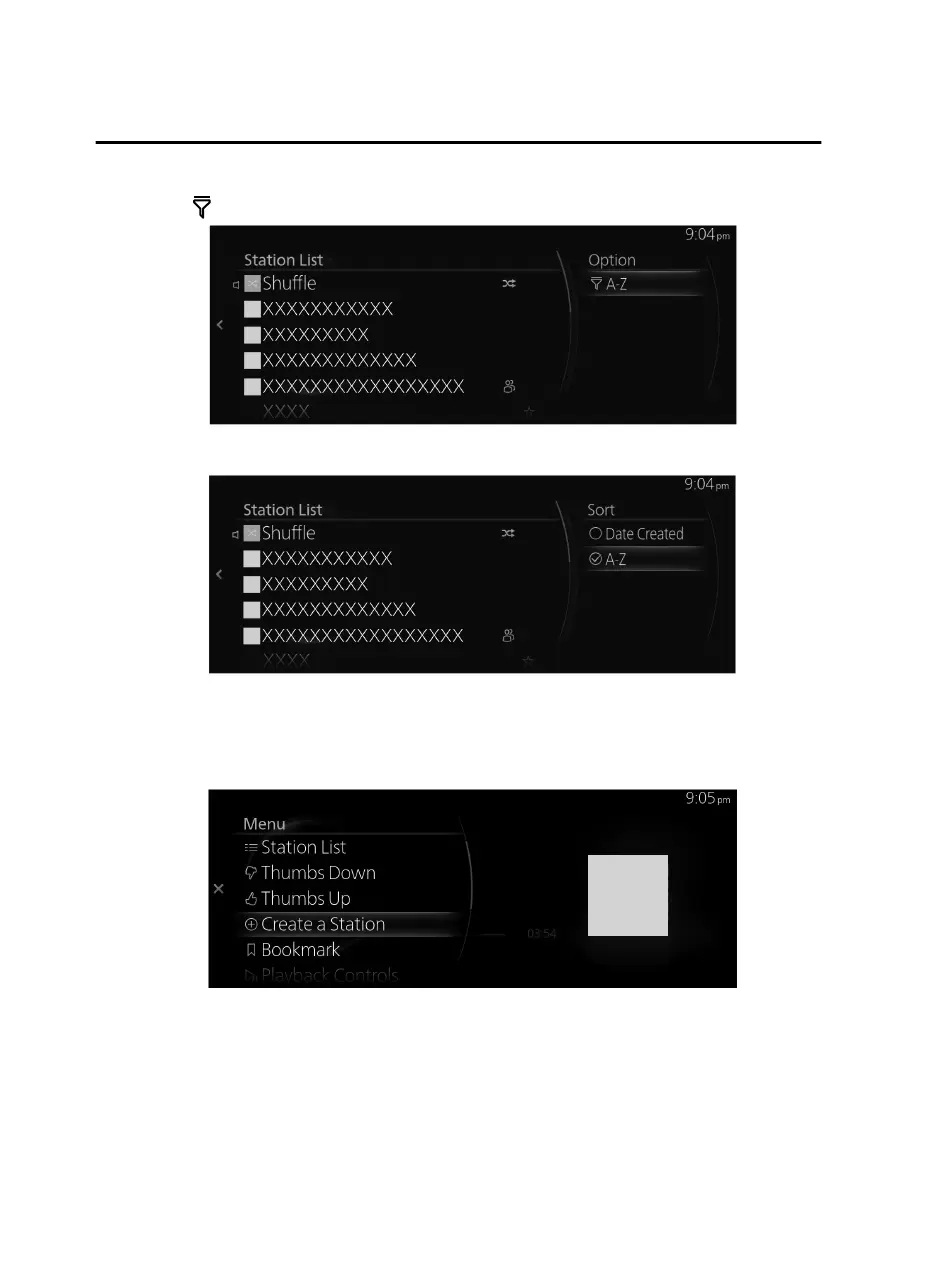
2. Select “ [currently selected sort
classification]”
from Option.
3. Select the sort
classification
from the Sort menu to switch the display order of the
Station List.
Date Created: Contents are displayed according to the date they were created.
AZ: Contents are displayed in alphabetic order.
Create a Station
1. Select “Create a Station”.
Features
Entertainment
2-52
Mazda Connect_8JB9-EA19E_Edition1_new 2019-8-1 17:07:41



 To Next Page