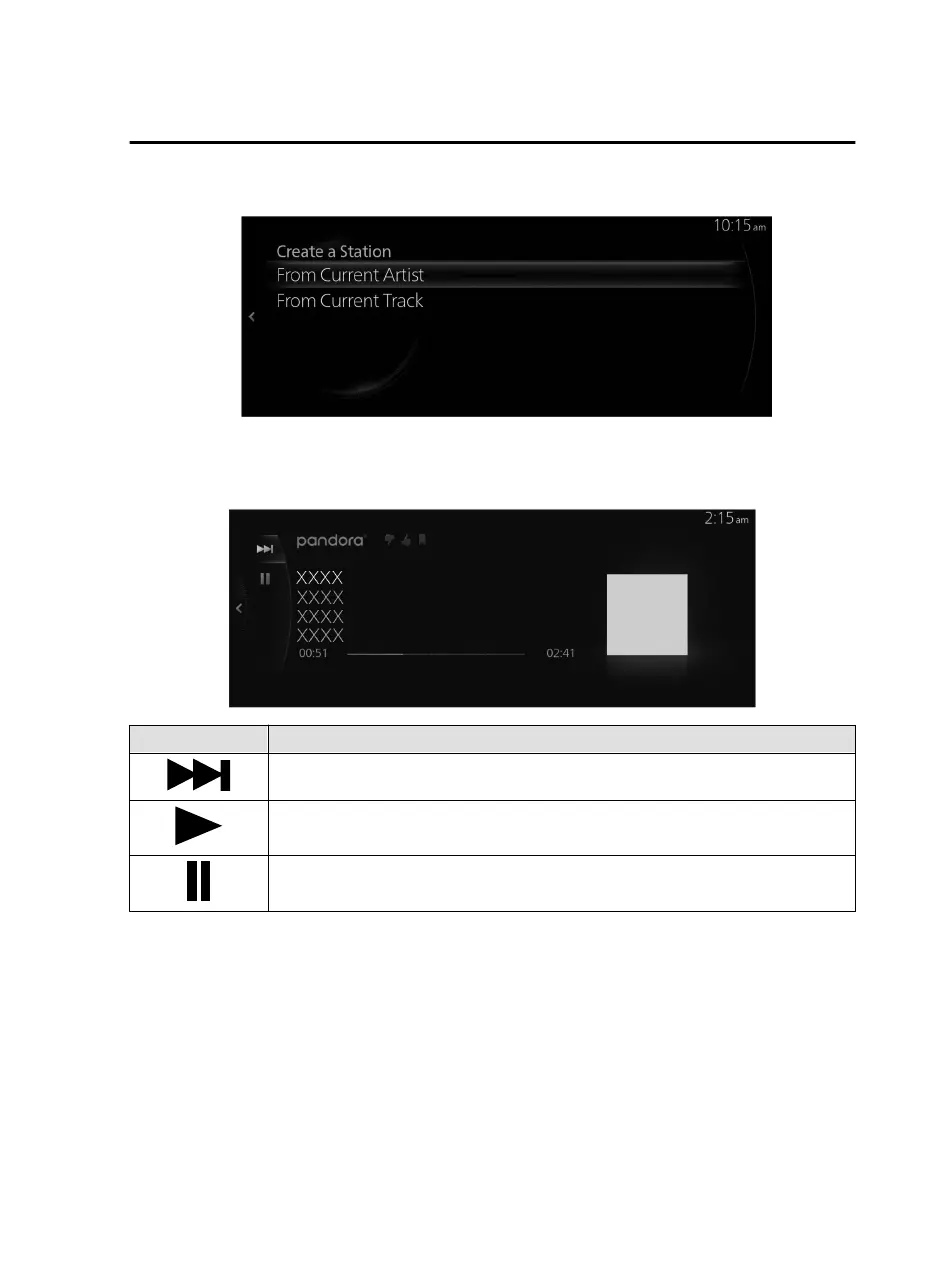
2. Select the menu and create a new radio station.
From Current Artist: Creates a radio station from the song or artist being played.
From Current Track: Creates a radio station from the song being played.
How to Use the Tuner Controls (icon)
Icon Explanation
Goes to the next song.
(When selected during pause) Plays the track.
(When selected during playback) Pauses the track.
Pandora Settings
The Pandora
®
settings can be changed.
Features
Entertainment
2-53
Mazda Connect_8JB9-EA19E_Edition1_new 2019-8-1 17:07:41



 To Next Page