qOperating the Compact Disc (CD) Player
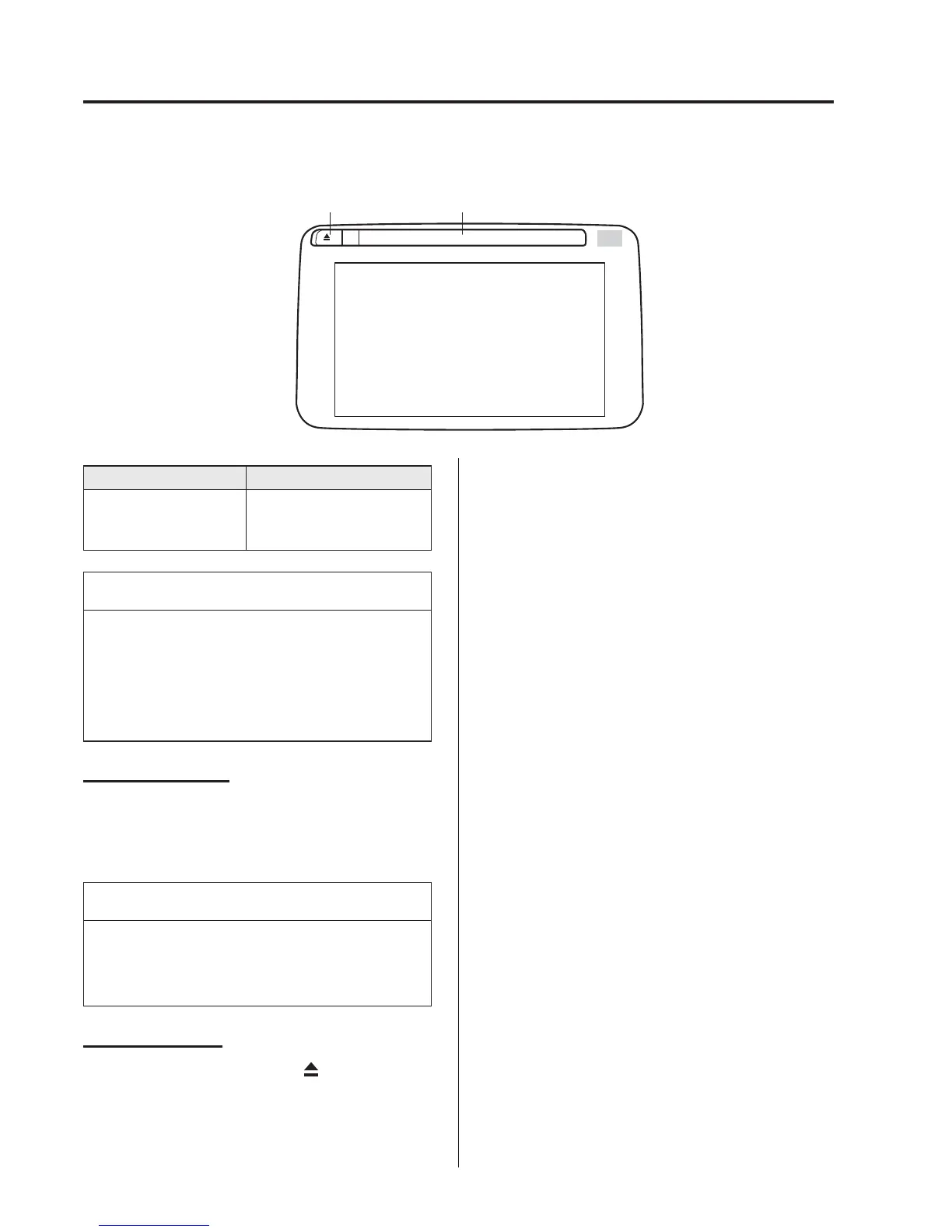
CD slotCD eject button
Type Playable data
Music/MP3/WMA/
AAC CD player
l
Music data (CD-DA)
l
MP3/WMA/AAC file
NOTE
If a disc has both music data (CD-DA)
and MP3/WMA/AAC files, playback of
the two or three file types differs
depending on how the disc was
recorded.
Inserting the CD
Insert the CD into the slot, label-side up.
The auto-loading mechanism will set the
CD and begin play.
NOTE
There will be a short lapse before play
begins while the player reads the digital
signals on the CD.
Ejecting the CD
Press the CD eject button (
) to eject the
CD.
5-60
Interior Features
Audio System



 To Next Page