NOTE
l
For safety reasons, ima ges are not
displayed while the vehicle is being
driven.
l
Slide the of the controller to
move the controller.
l
If the mode is switched to DVD
mode once the DVD playback has
stopped, the playback rest arts
without displaying the DVD menu
screen.
Setting DVD functions
Sound quality and aspect ratio settings
can be performed.
Setting sound quality
1. Select the
icon.
2. Select
to adjust the sound
quality.
Refer to Volume/Display/Sound
Controls on page 5-51.
Setting aspect ratio
1. Select the
icon.
2. Select
.
3. Select a desired aspect ratio.
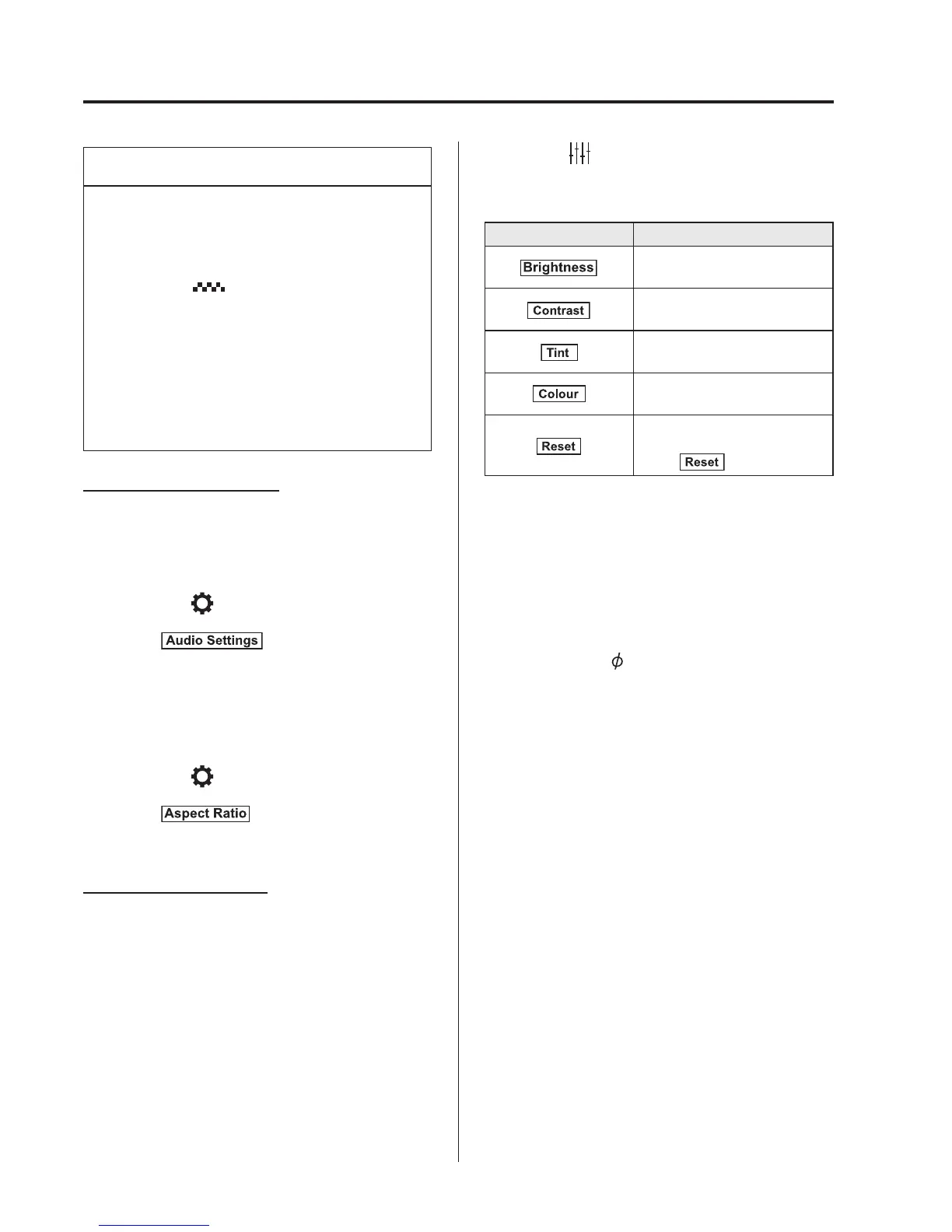
Setting image quality
Brightness, contrast, tint, colour density
can be adjusted.
When the
icon is selected, the
following tabs are displayed at the bottom
of the screen.
Tab Function
Screen brightness can be
adjusted using the slider.
Screen contrast can be
adjusted using the slider.
Colour tone of the screen can
be adjusted using the slider.
Screen colour can be
adjusted using the slider.
Screen settings can be reset
to initial values.
Select
.
q
How to use Auxiliary jack/USB port
Audio can be heard from the vehicl e's
speakers by connecting a commercially-
available portable a udio unit to the
auxiliary jack.
Use a commercially-available, non-
impedance (3.5
) stereo mini plug lead.
In addition, audio can be played from the
vehicle audio device by connecting a USB
device or an iPod to the USB port.
Refer to AUX/USB/iPod mode on page
5-72.
5-66
Interior Features
Audio System



 To Next Page