Updating the database
The Gracenote media database can be updated using USB device.
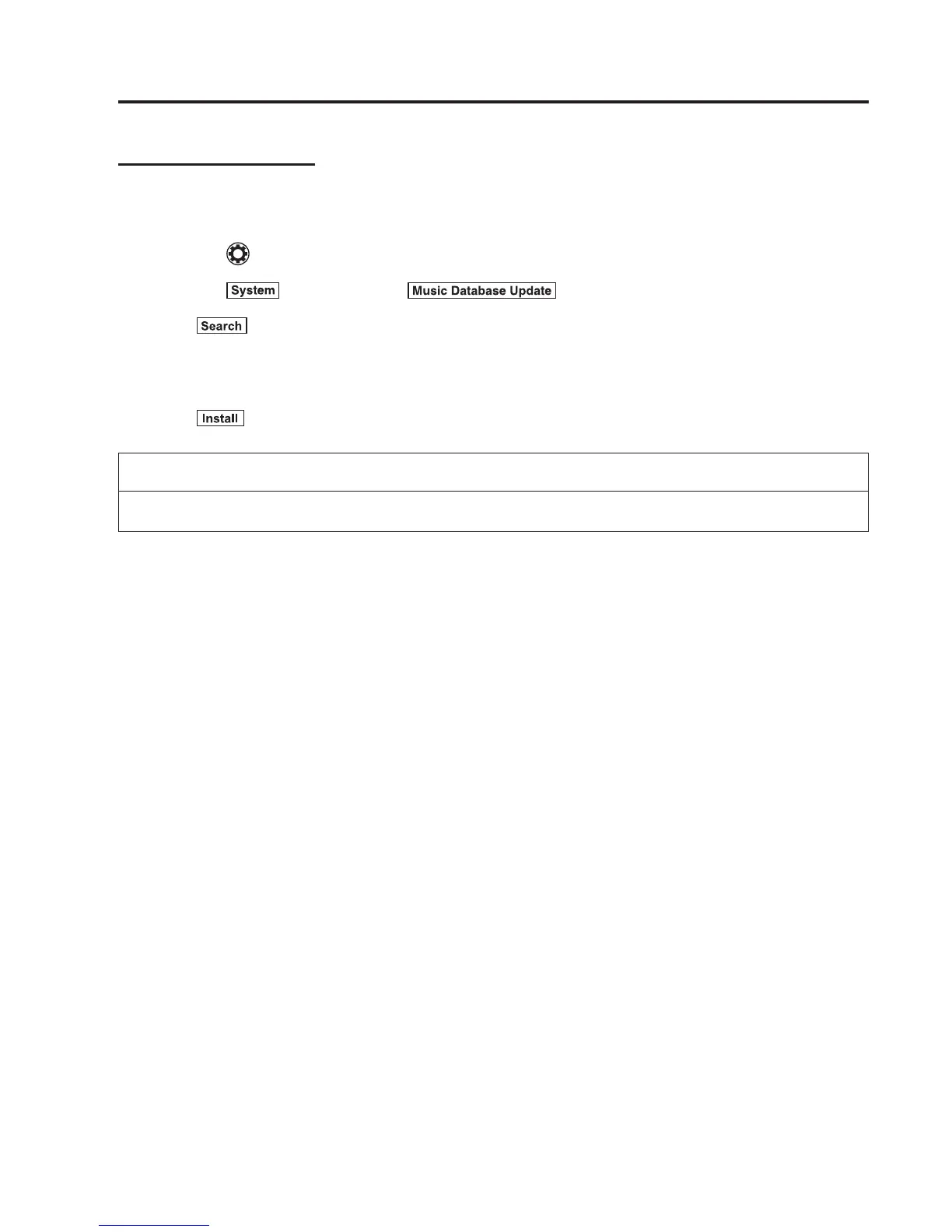
1. Connect a USB device containing the software for updating Gracenote.
2. Select the
icon on the home screen and display the Settings screen.
3. Select the
tab and select .
4. Select
. The list of the update package stored in the USB device and the version
are displayed.
5. Select the package to use the update.
6. Select
.
NOTE
Gracenote can be downloaded from the Mazda Hands-fr ee Website.
Interior Features
Audio System
5-89



 To Next Page