Playback
Select the
icon on the home screen and display the Entertainment screen. When is
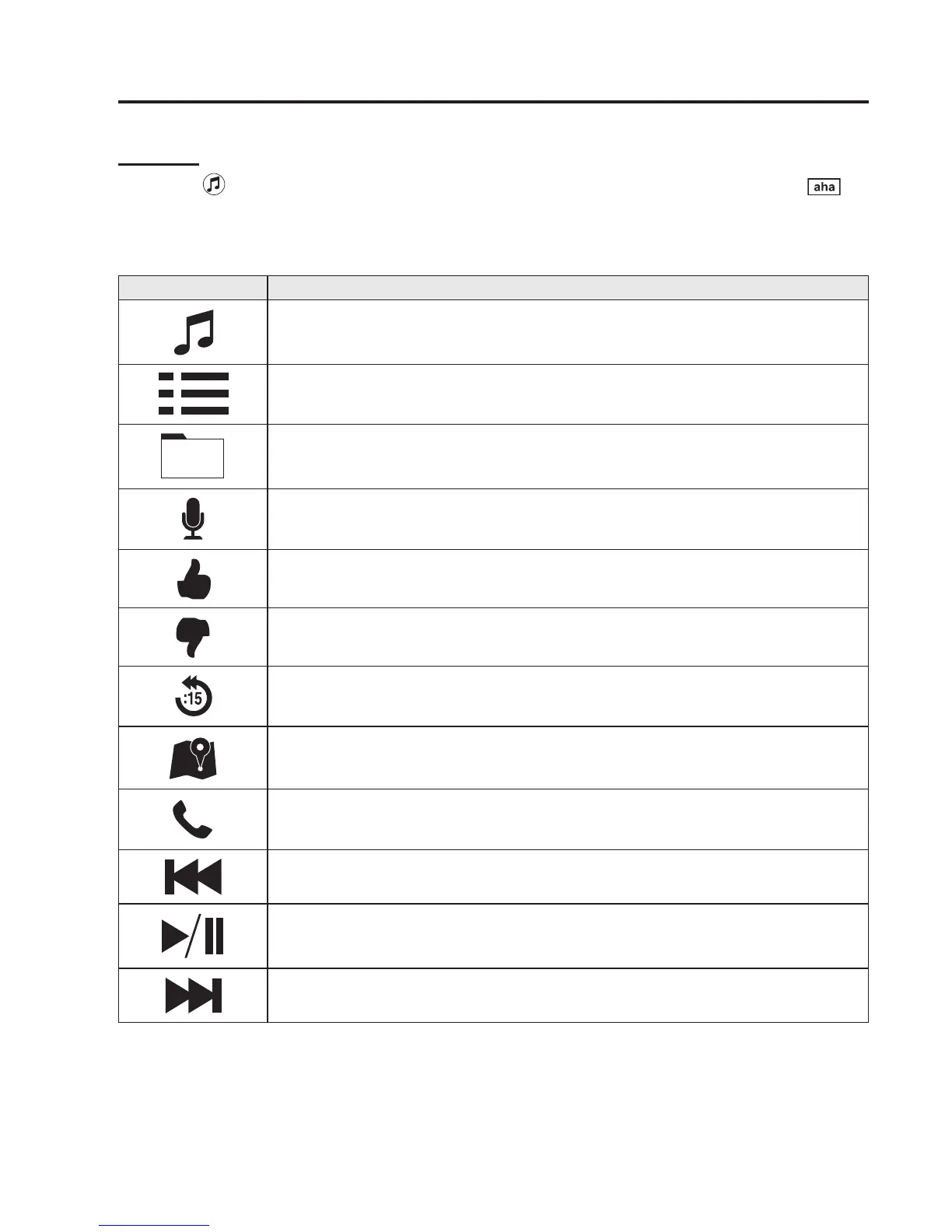
selected, the following icons are displayed at the bottom of the centre display. The
displayed icon differs depending on the selected station.
In addition, icons other than the following icons may be displayed.
Icon Function
Displays the Entertainment menu. Use to switch to a different audio source.
Displays the main menu.
Use to switch to other stations.
Displays the content list.
Use to switch to other desired content on the station.
Shout
Records voice.
Records voice and posts it as playable audio to Facebook and other social stations.
Like
*2
Evaluates the current content as “Like”.
Dislike
*2
Evaluates the current content as “Dislike”.
Reverses for 15 seconds.
Map (vehicles with navigation system)
Displays the destination searched by the location based services on the navigation system.
Call
A call can be made to the telephone number of a shop searched using the Location Based
Services. Available when a device is connected as a Hands-Free.
Returns to the previous content.
Pauses playback of the content. When selected again, playback resumes.
Goes to the next content.
Interior Features
Bluetooth®
5-139



 To Next Page