34 SMARTING User Manual – Release 11/03/2019
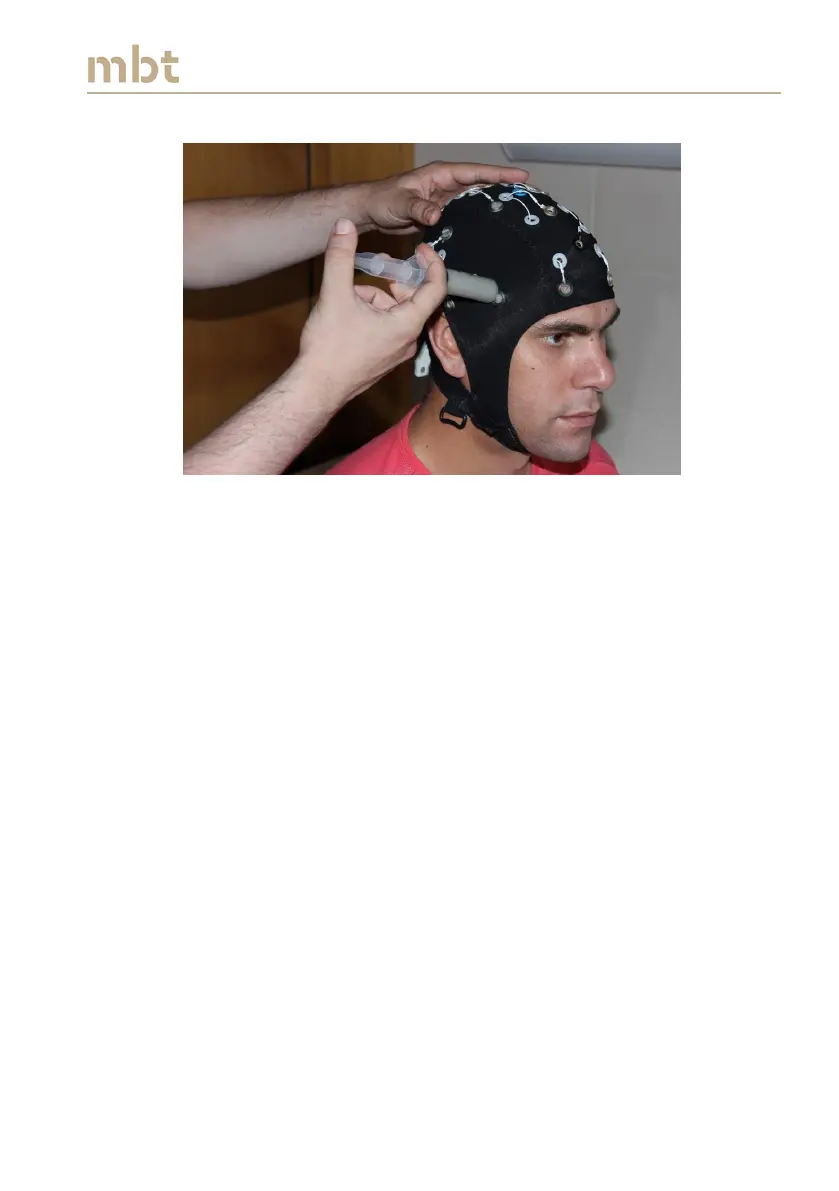
Figure 7.3 Carefully insert conductive gel to obtain high signal quality.
In order to obtain high quality EEG recordings, it is important to keep the
impedance values low, preferably around 5 kΩ. To check the impedance
values in real-time, use the SMARTING streamer described in Chapter 6.
1. Run the SMARTING Streamer application.
2. After connecting to the SMARTING device choose the appropriate
layout, as described in Chapter 6.1 (shown in Figure 6.5). Choose
impedance ranges for visualization of color indicators in the lower
left panel by simply clicking on the value and changing it to the
desired one. Click the Calculate button to accept the new settings
(Figure 6.6).
3. Select channels to record and click Start Streaming signals. Values of
electrode impedances should appear in the right panel, and the color
coded impedances are shown in the middle of the top panel (Figure
6.6).



 To Next Page