SMARTING User Manual – Release 11/03/2019 47
display window, nor in the recorded file.
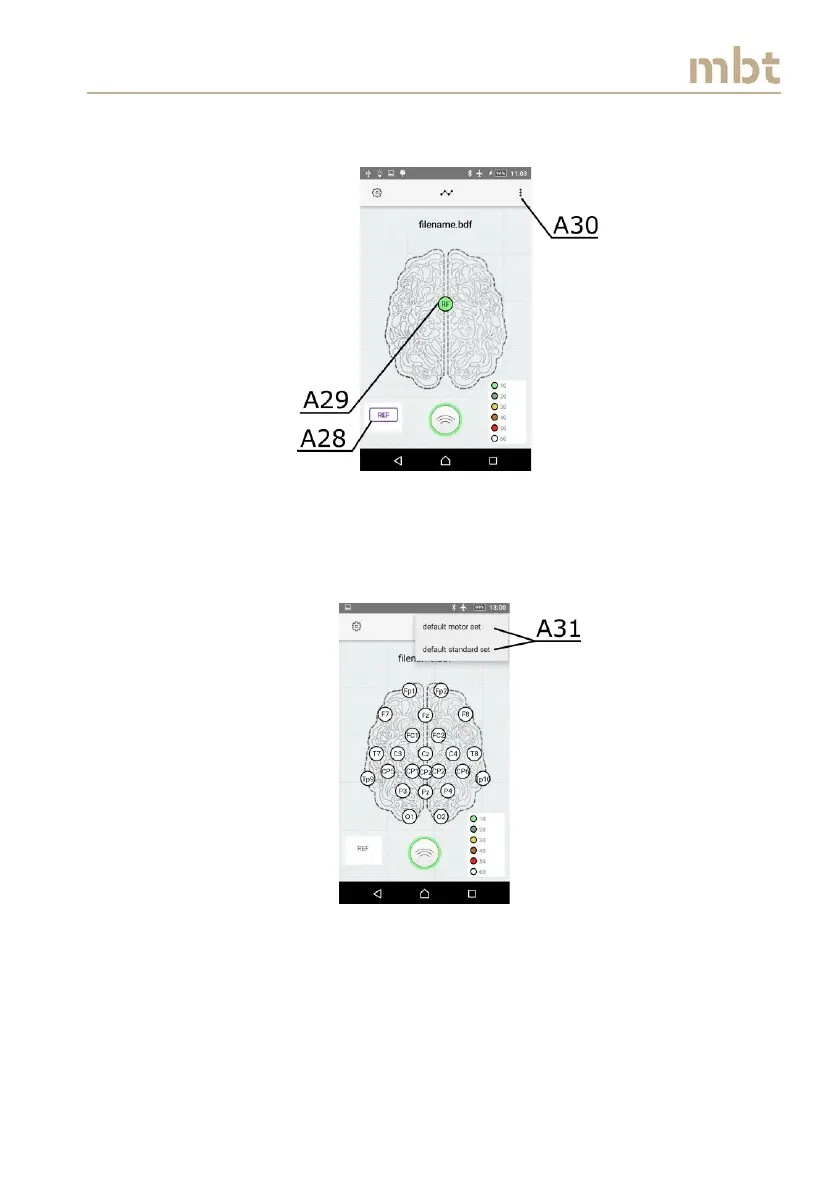
Figure 8.15 The measure impedance on reference channel display
If impedances are disabled, the layout without color codes will appear in the
main screen (as in Figure 8.16).
Figure 8.16 The electrode layouts can be chosen from the list of available layouts
To name the file that is to be recorded, click on the field A32 in Figure 8.17
and type the desired name in the pop-up keyboard. Upon naming the file, the
arrow pointing down should be pressed (A33 – Figure 8.17) in order to
remove the keyboard.



 To Next Page