SMARTING User Manual – Release 11/03/2019 51
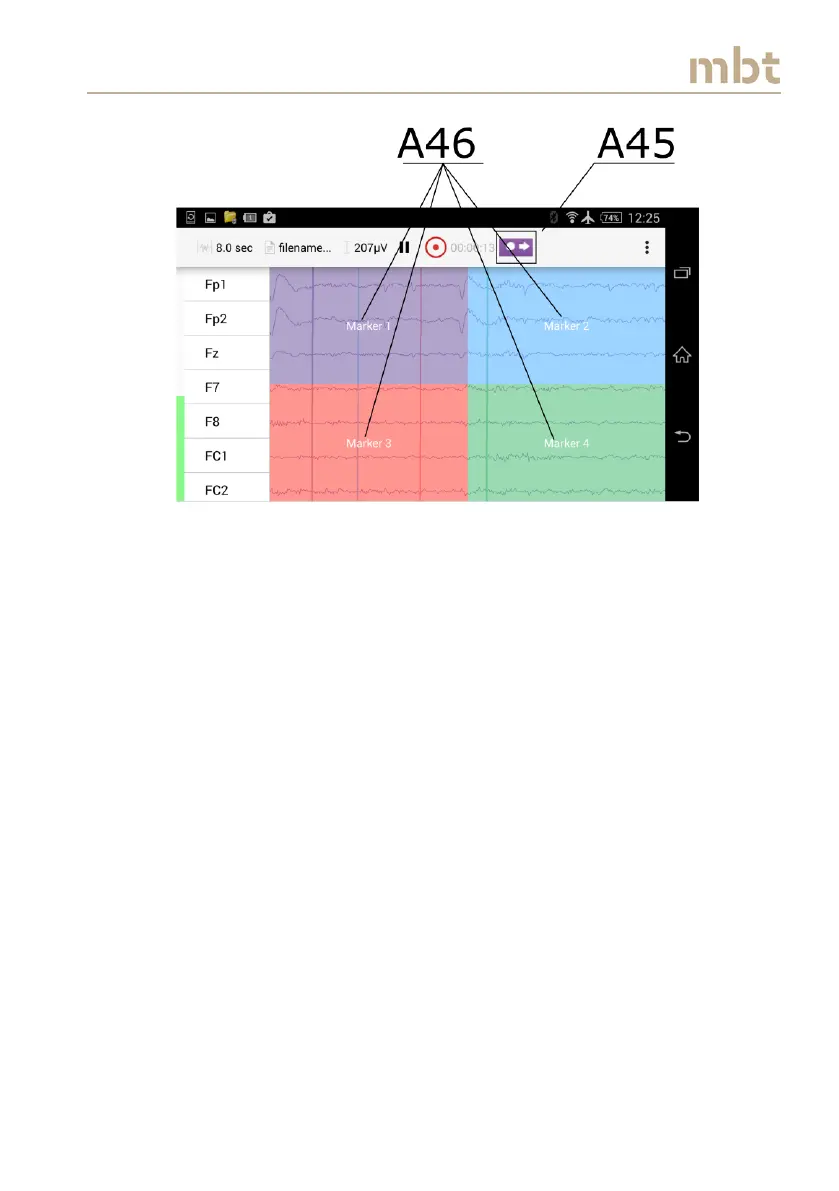
Figure 8.22 Activation of touch markers
To stop recording, click the record button once again (A42 in Figure 8.18) and
signal recording will cease. When the recording is stopped, an experiment
summary window pops-up (Figure 8.23) showing the following information
about completed recording:
- filename
- sampling frequency that was used during the recording
- number of events (Triggers)
- The percentage of lost packages for the whole duration of the
recording
- Number of Channel



 To Next Page