52 SMARTING User Manual – Release 11/03/2019
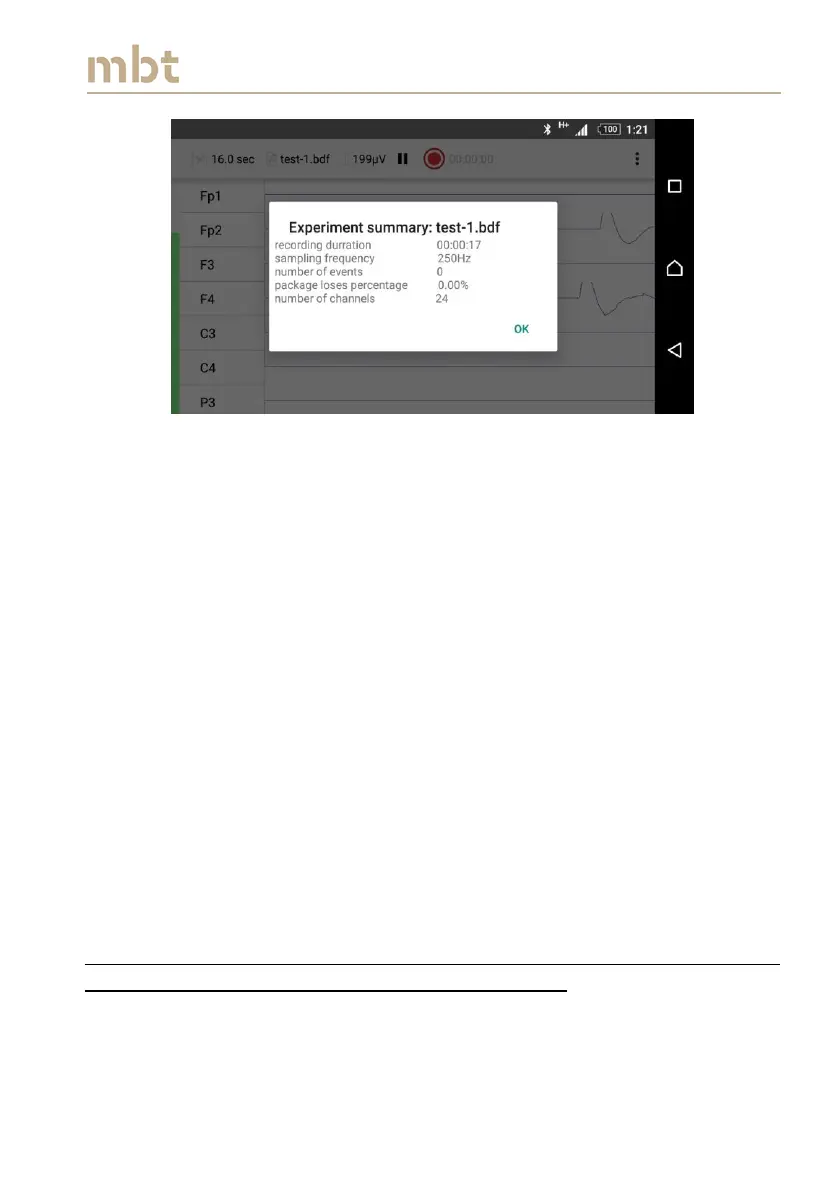
Figure 8.23 The Experiment summary window
The Experiment summary window is closing upon clicking the button OK.
Click the back button to return to the main screen.
8.6.1 Recording ERP experiment
As mentioned in the Section 8.3.3.3 the SMARTING android application is
capable of recording the ERP experiments, where the stimulus triggers are
sent to the application and written into file wirelessly (either over UDP or LSL
protocol).
8.6.1.1 Recording ERP experiments with the OpenSesame software
OpenSesame experiments can be written in both available file formats (BDF
and XDF). In order to send the markers over the UDP protocol, enable
sending the events over UDP protocol in the recording settings page (as
explained in the Section 8.3.3.3.).
The next step is to give the desired filename, either in the main window (as
shown in Figure 8.17), or in the signal display window (as explained in Figure
8.18). After naming the file, click on the recording button (A42, Figure 8.18).
Please read carefully whether the UDP is enabled, in the recording preview
window (Figure 8.21, under section events included).
After selecting “OK” in the recording preview window, select the home
button on the smartphone (return to the smartphone’s home screen) and
enter the OpenSesame application.



 To Next Page