5
If the duration of the current track is more than 5 seconds, the player will
go back to the starting point of the current track.
To skip further back, press the skip back button several times consecu-
tively until the required track number is shown on the display.
While pressing the skip buttons, you will hear no music.
2.5 Stop playback
To stop playback press the stop button.
2.6 Removing the CD
If you wish to remove a CD from your MC 501 CD player, simply press the
“open/close“ button to open the CD tray. If you open the CD tray during
playback, the player stops automatically.
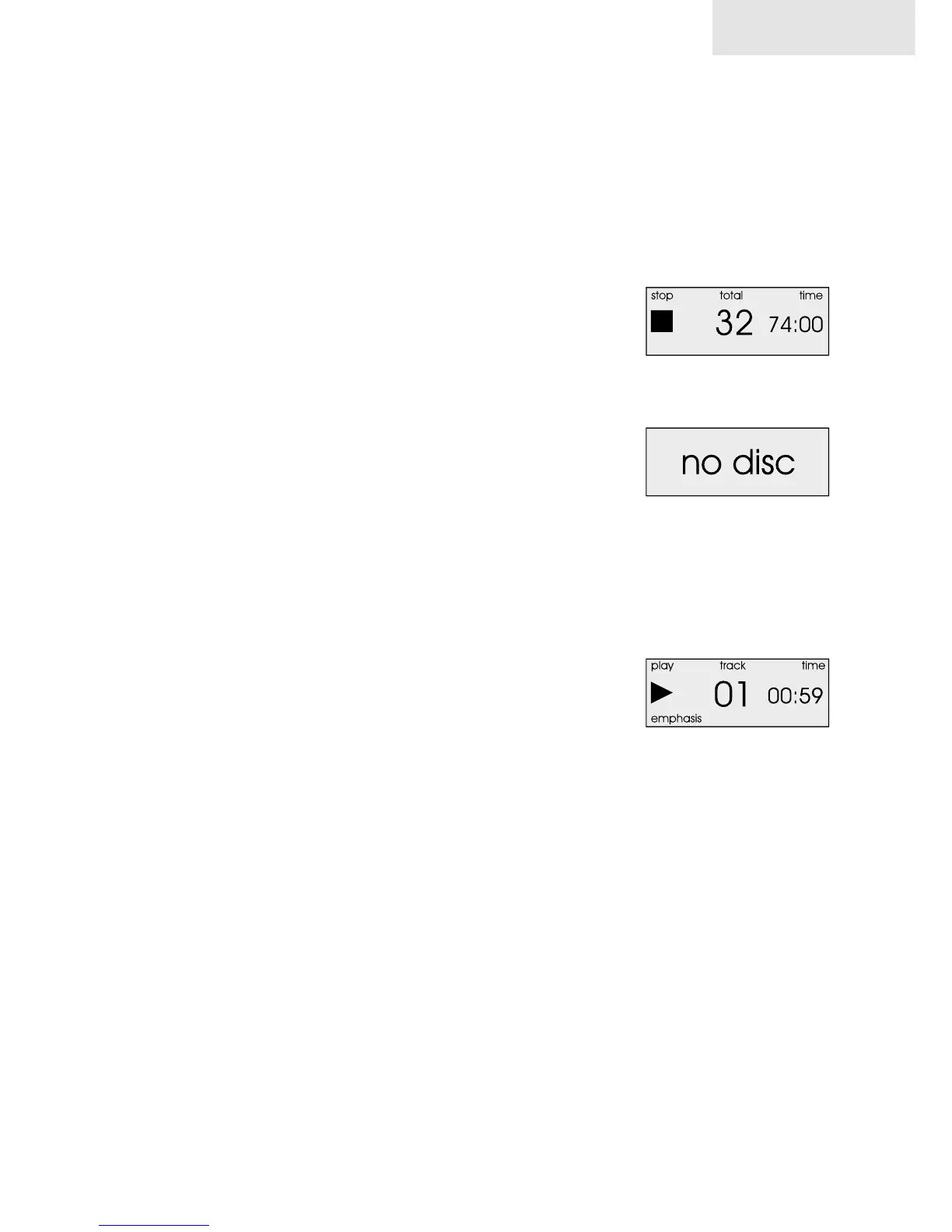
If there is no disc in the CD tray, “no disc” will appear on the display.
2.7 Upsampling
With the “24 bit/ 96kHz” button you can change the sample rate. When
“24 bit/ 96kHz” is activated, the blue LED indicator on the left site of the
display is on.
Note: The upsampling function will not work with emphasis tracks. If your
CD contains emphasis tracks, the display will show “emphasis”.
2.8 Display brightness
With the disp. off (“display off”) button you can change the display’s
brightness within 5 steps from maximum to off. If the display is switched
off, the “disp. off” indicator LED on the right site of the display is on.
3. Remote control functions
The following functions can only be utilized from the remote control.
3.1 Numeric buttons
The 10 numeric buttons on the remote control unit enable you to choose
individual titles on your CD directly. For track numbers 1-9, you simply
press the corresponding button.
For tracks with a number higher than 9, press the button for the first digit
and then for the second.
Example: If you want to play the track with number “14” on your CD, press
the “1” first and then the “4”.
mc 501
stop mode
no disc inserted
emphasis


 To Next Page