c
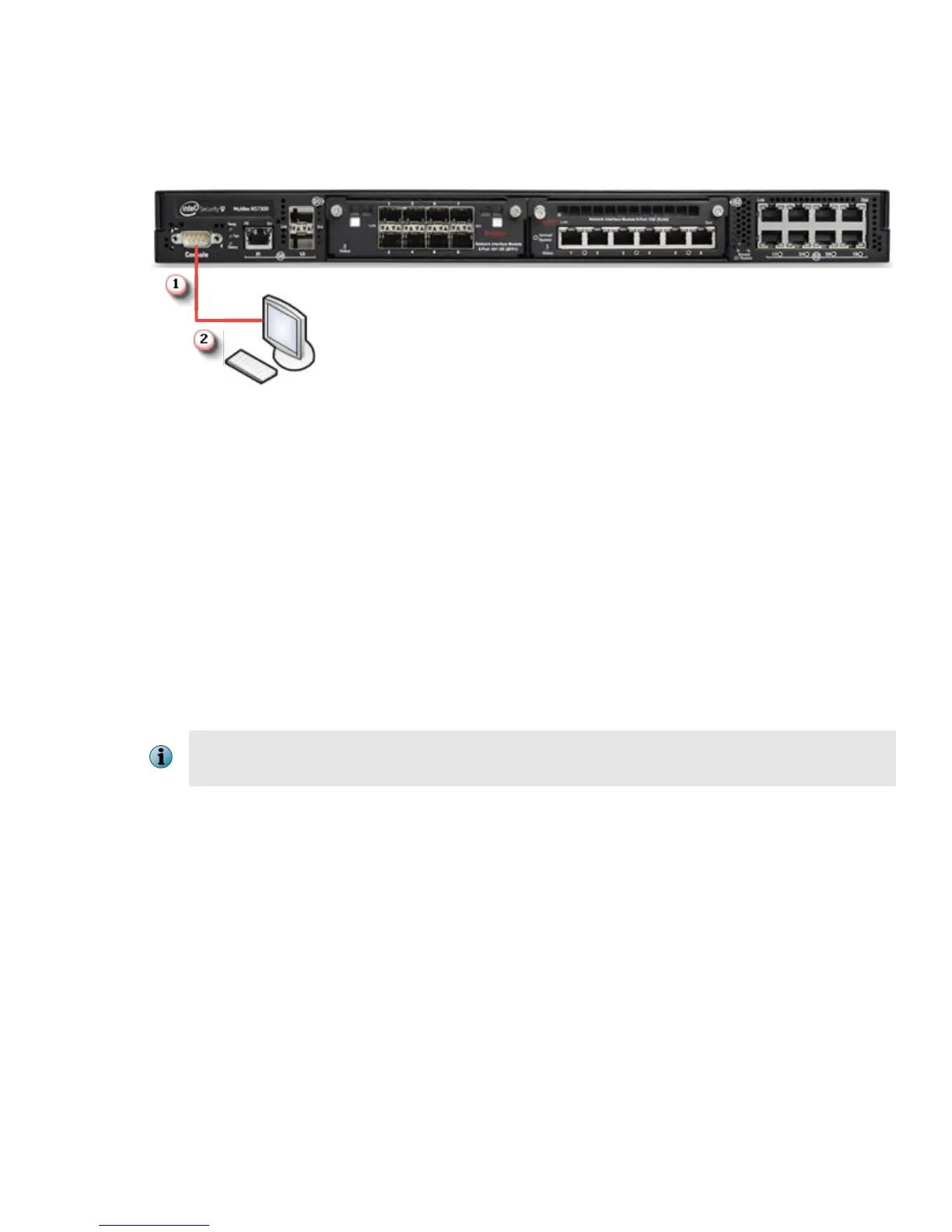
On the front panel of the NS7x00 Sensors, plug the DB9 Console cables into the Console port (labeled
Console).
d
Connect the other end of the Console port cable directly to a COM port of the PC or terminal server you
are using to congure the Sensor (for example, a PC running correctly congured Windows
Hyperterminal software). You must directly connect to the console for initial conguration, you cannot
congure the Sensor remotely.
Terminal servers are provided for console access.
The required settings for Hyperterminal are:
• Baud rate: 115200 • Stop Bits: 1
• Number of Bits: 8 • Control Flow: None
• Parity: None
e
Plug one end of the power cable into the power inlet and plug the other end into a power source. The
Sensor ships with standard US power and international cables.
The NS-series Sensor does not have a power switch. You can directly plug the power cable into
a power source.
8



 To Next Page