set sensor sharedsecretkey
The Sensor then prompts you to enter and then conrm the shared secret key value.
This value is used to establish a trust relationship between the Sensor and the Manager. The
secret key value can be between 8 and 25 characters of any ASCII text. The shared key value is
case-sensitive. Make sure that the value matches the shared secret key value you provided in
the Manager interface in Step 9 - Add the Sensor to the Manager.
k
To verify the conguration information, type show. Check that all information is correct.
l
To exit the session, type exit.
11 Verify successful installation
a
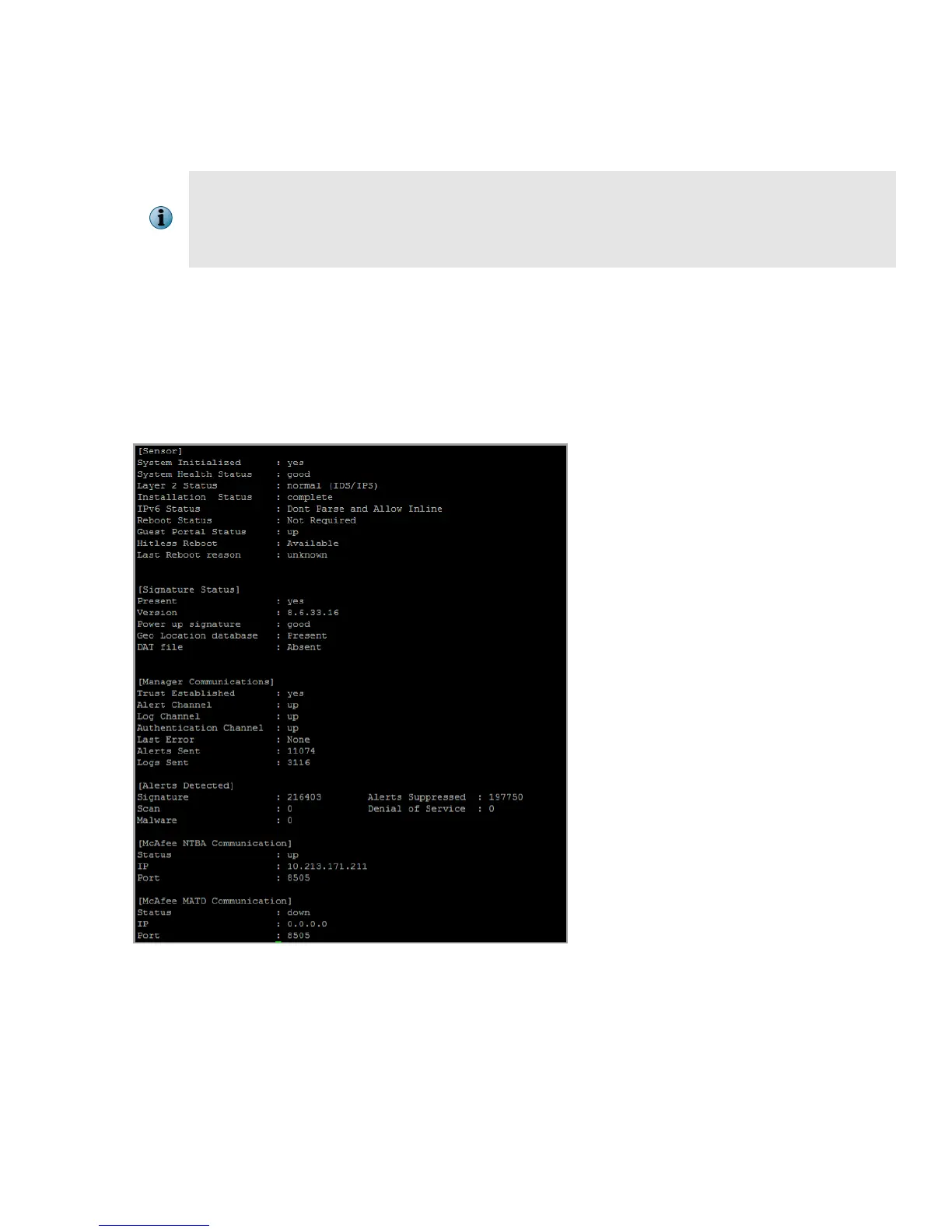
In the Sensor CLI, type: status. The status report is displayed.
The Sensor parameter System Initialized must be yes, and for Manager communication Trust
Established must be yes.
b From the Manager Dashboard, view the Manager status in the System Health monitor.
13



 To Next Page