3) Shared Secret — The shared secret must be a minimum of 8 characters and maximum of 25
characters in length. The key cannot start with an exclamation mark nor can have any spaces. The
parameters that you can use to dene the key are:
• 26 alphabets: Uppercase and lowercase
(A, B, C,...Z and a,b,c,...z)
• 32 symbols: ~ ` ! @ # $ % ^ & * ( ) _ + ‑ =
[ ] { } \ | ; : " ' , . <? /
• 10 digits: 0 1 2 3 4 5 6 7 8 9
The Sensor name and shared secret key that you enter in the Manager must be identical
to the shared secret that you will later enter during physical installation or initialization of
the Sensor (using CLI) in Step 10 - Congure Sensor information. If not, the Sensor will not be
able to register itself with the Manager.
4) Updating Mode — Select Online or Offline.
Selecting Offline enables Oine Sensor update. Online is the default mode.
e Click Save. The added Sensor is displayed on the Add and Remove Devices page.
10 Congure Sensor information
Congure the Sensor with the network information, a name, and the shared secret key that the Sensor uses to
establish secure communication with the Manager. Use the name and key values you set in Step 9 - Add the
Sensor to the Manager.
The rst time you congure a Sensor, you must have physical access to the Sensor.
At any time during conguration, you can type a question mark (?) to get help on the Sensor CLI commands.
For a list of all commands, type commands.
a
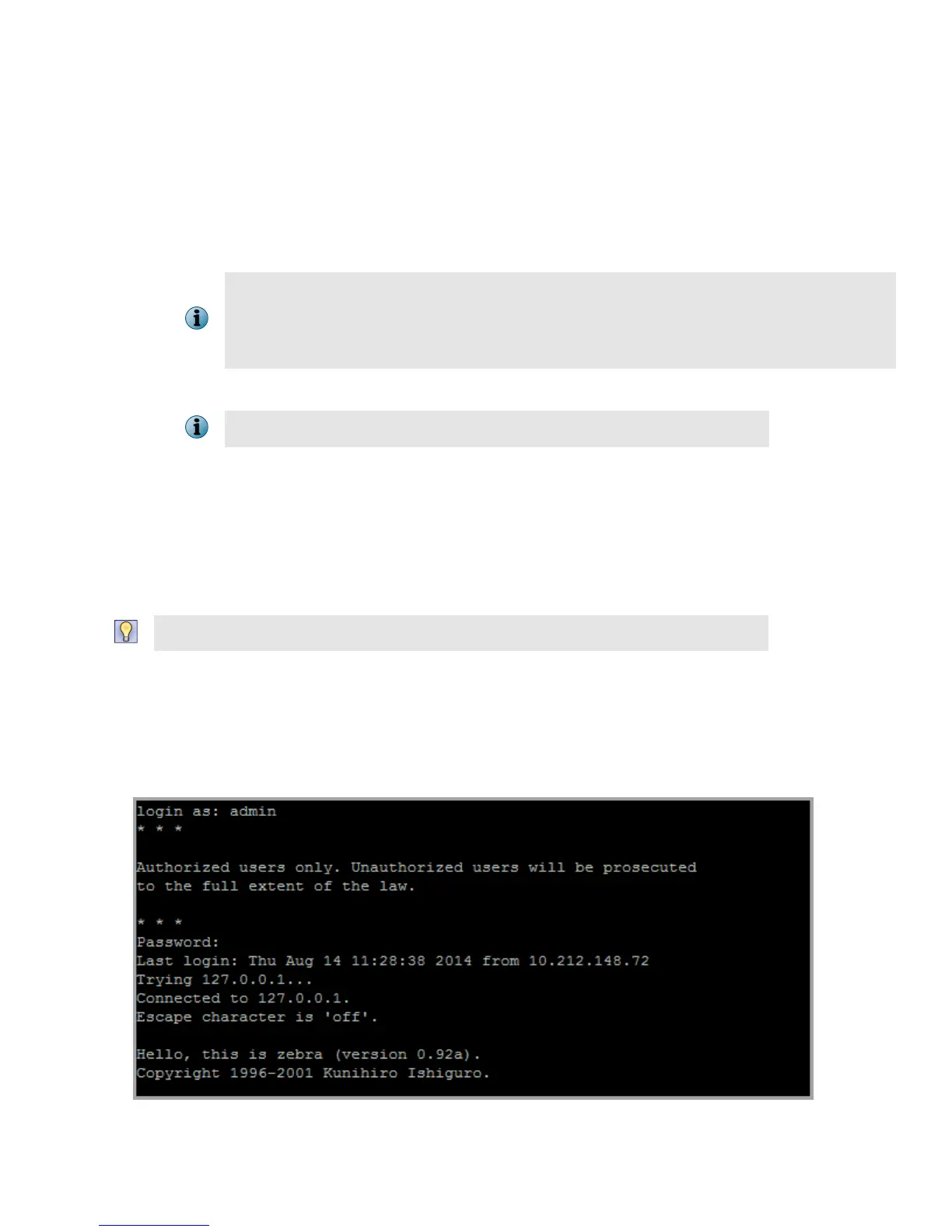
Log on to the Sensor using the terminal connected to the Console port.
b
At the prompt, log on using the default Sensor user name (admin) and password (admin123).
11



 To Next Page